
Free template
Construction Contract Template
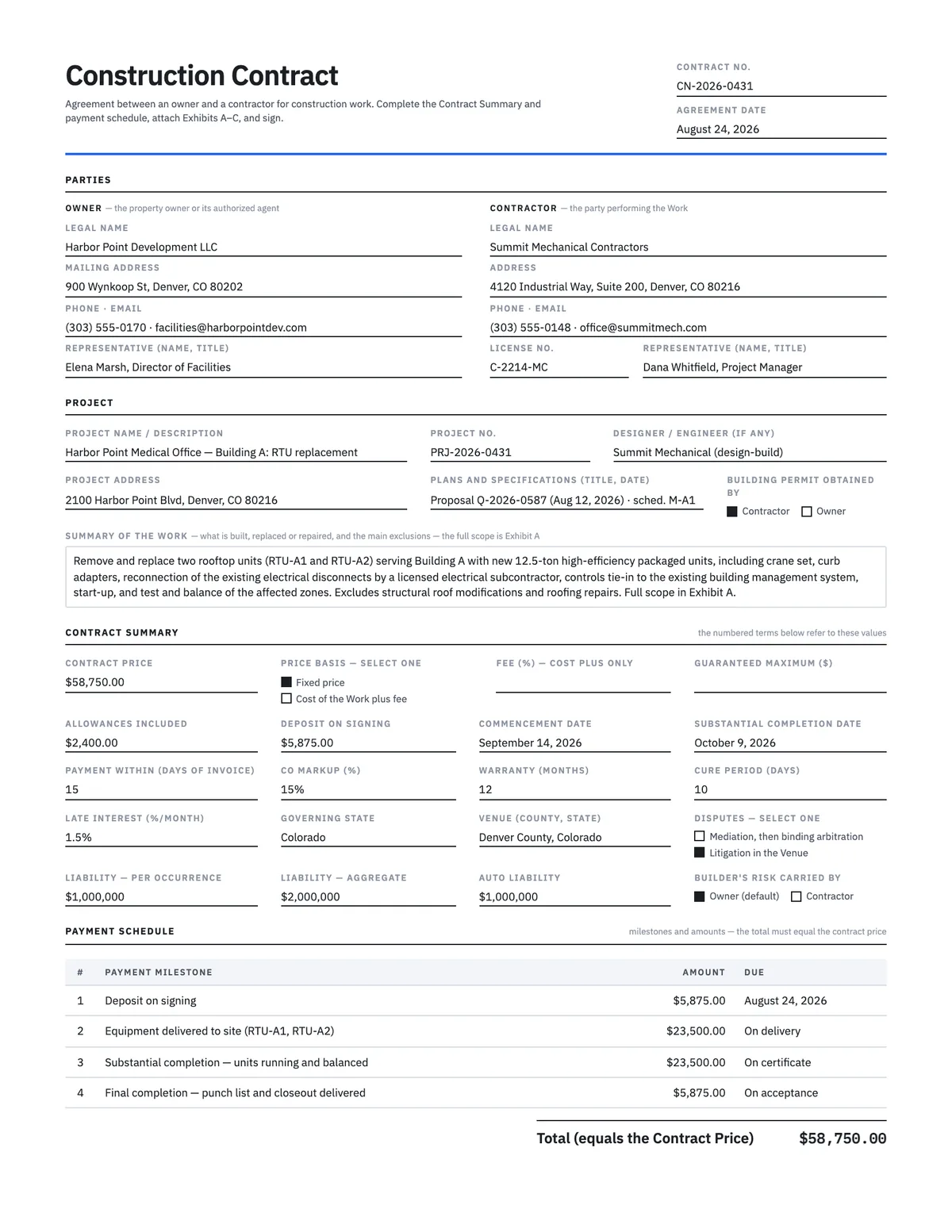
A 16-section owner–contractor agreement for direct work — residential and light commercial — with the price basis, deposit, milestone payment schedule, warranty, insurance and dispute forum on a one-page Contract Summary. Editable Word document and a fillable PDF, plus a completed example for a $58,750 rooftop-unit replacement.
Free · No email required · Free to use and share for your own business
Updated September 17, 2026 · Built by the BuildWorkPro team, checked on real subcontractor jobs.
What's in the template
How to fill it out
-
1
Fill in the owner, the contractor and the project
Legal names as they appear on the deed and on your license, the owner of record if the person signing is a tenant or agent, addresses for notices, and a representative on each side. Reference the plans and specifications by title and date, and tick who obtains the building permit.
-
2
Choose the price basis and summarize the Work
Tick Fixed price or Cost of the Work plus fee; for cost-plus, enter the fee percentage and, if the owner wants a ceiling, a guaranteed maximum. List allowance amounts for items not yet selected. Write the Work in two or three sentences on page 1 and put the full scope and exclusions in Exhibit A.
-
3
Build the payment schedule
Deposit on signing, then milestones tied to events both parties can see — equipment delivered, rough-in inspected, substantial completion — and a final payment at final completion. The amounts must total the contract price. Check your state's deposit limits for residential work before entering the deposit.
-
4
Set the time, warranty, insurance and dispute terms
Commencement and substantial completion dates, how many days the owner has to pay an invoice, the markup allowed on change orders, the warranty period in months, the cure period for a breach, the liability limits, who carries builder's risk, and whether disputes go to mediation-then-arbitration or to court.
-
5
Attach the exhibits, review, sign
Exhibit A is the scope and plans list; B is allowances, selections and the schedule; C is the notices your state requires for home-improvement contracts, including any notice of cancellation. Have an attorney check the form for your state, then both parties sign and date — on paper or electronically.
What a construction contract is, and when to use this one
A construction contract is the agreement between a property owner and the contractor who will do the work. It answers the questions every job raises before the first invoice: what exactly is being built, for how much, paid when, what happens when something changes or is found behind the wall, who pulls the permit, what is warranted and for how long, and how the two of you part ways if it goes wrong. Use this template when you contract directly with the owner — a homeowner, a landlord, a facility manager, a small commercial tenant — for residential or light commercial work. If you are working for a general contractor under their contract with the owner, you want the subcontractor agreement instead: it carries retainage, monthly applications and prime-contract flow-down that a direct owner contract does not need.
The clauses are written to be fair to both sides and general enough to use in any state, with the deal-specific values collected on a one-page Contract Summary that the numbered sections refer to by name — "the Payment Period," "the Cure Period," "the Change Order Markup." Negotiate the summary, attach the exhibits, and the clause text never needs editing.
Fixed price or cost plus?
The Contract Summary has a selector. Fixed price means the owner pays the stated price for the described work, adjusted only by change order; you carry the risk of your own estimate and keep the reward for efficient work. Cost of the Work plus fee means the owner pays your documented costs — labor, materials, equipment, subcontracts, permits, insurance and taxes directly attributable to the job, not your general overhead — plus a fee percentage. Add a guaranteed maximum price if the owner wants a ceiling; costs above it are yours unless a change order caused them. Cost-plus fits remodels with unknown existing conditions and jobs that start before design is finished; fixed price fits everything you can price with confidence from the plans.
Either way, allowances handle the items nobody has chosen yet — fixtures, tile, the exact equipment model. The allowance amount is in the price; when the real cost is known the difference is adjusted by change order without markup, so neither side games the selection.
The payment schedule: tie money to events you can prove
The most useful part of this form is a small table on page 1. Each row is a milestone, an amount and a due trigger, and the total must equal the contract price. Good milestones are events both parties can see without arguing: contract signed (deposit), equipment delivered to the site, rough-in inspection passed, substantial completion certified, final completion and closeout delivered. Bad milestones are percentages of progress that need a judgment call every time. Section 3 then does the rest: invoices are due within the Payment Period, disputes must be in writing within seven days with the undisputed balance paid, unpaid invoices bear the stated interest, and after seven days of nonpayment you may suspend on notice. Retainage is off unless the schedule turns it on — owners of small jobs rarely need it, and a contractor should not be surprised by it.
A worked example
The completed example is a direct job for the owner of the Harbor Point campus: Harbor Point Development LLC hires Summit Mechanical Contractors to replace two rooftop units on Building A. Fixed price $58,750.00 including a $2,400.00 allowance for curb adapters; deposit $5,875.00 on signing; then $23,500.00 when the units are delivered to the site, $23,500.00 at substantial completion, and $5,875.00 at final completion — a 10/40/40/10 split that totals the price. Commencement September 14, 2026 and substantial completion October 9, 2026; invoices paid within 15 days; 15% markup on change orders; 12-month warranty; 10-day cure period; general liability $1,000,000 per occurrence and $2,000,000 aggregate; builder's risk carried by the owner; Colorado law with disputes in Denver County courts. The same contractor's larger job on Building B — the $486,200 subcontract, its change orders and pay applications — appears across the other templates, so you can compare a direct owner contract with a GC subcontract side by side.
Residential jobs: right to cancel and required notices
Home-improvement contracts are the most regulated contracts a contractor signs. Depending on the state and how the contract was signed, the owner may have a short right to cancel, the contractor may have to include license and registration information, a mechanics lien notice, and limits on deposits, and some terms may have to appear in a prescribed form or type size. Section 15 of the template acknowledges those rules, makes them control over any inconsistent term, and gives them a home: Exhibit C. Get the notices your state requires from your licensing board or your attorney and attach them there. The lien waiver guide covers the notice and waiver exchange the Liens section of this contract describes.
Construction contract vs. quote vs. proposal vs. change order
- Quote — a one-page fixed price with line items and a validity date. When the owner signs it, you have an agreement, but a thin one: no payment schedule, no warranty terms, no dispute clause.
- Bid proposal — the fuller offer: scope, price with alternates, inclusions and exclusions, terms. This contract's General Provisions supersede the proposal except to the extent Exhibit A incorporates it, so contradictions are resolved in the contract's favor.
- Construction contract — the agreement itself, signed by both parties, with the proposal's scope attached as Exhibit A.
- Change order — the signed amendment that adjusts the price and the completion date once work is under way. Section 4 requires one, in writing, before changed work begins.
In BuildWorkPro that chain is one workflow: the estimate becomes the proposal, the accepted proposal becomes the project, and change orders are priced against the contract value and e-signed from an emailed link.
From accepted proposal to contract to running job
In BuildWorkPro the line-item estimate becomes a branded PDF proposal your customer e-signs from an emailed link; the accepted bid converts into a project with the contract value carried in, and change orders are priced against it and approved online. Construction bidding software for $79/month flat, 14-day free trial.
See bidding in BuildWorkProFrequently asked questions
What should a construction contract include?
The parties and the property; a description of the work with the plans it is built from and the exclusions; the price and whether it is fixed or cost-plus; a payment schedule with a deposit, milestones and final payment; a written change-order rule; start and completion dates with the delays that extend them; who pulls permits; insurance on both sides; a warranty; what happens at substantial and final completion; termination rights; how disputes are resolved; and any notices your state requires for residential work. This template has a section for each, with the deal-specific values on a one-page Contract Summary.
What is the difference between a construction contract and a subcontractor agreement?
A construction contract is between the property owner and the contractor doing the work. A subcontractor agreement is between a general contractor and a trade contractor working under the GC's contract with the owner, so it carries retainage, monthly applications against a schedule of values, and prime-contract flow-down terms that a direct owner contract does not need. If you invoice the owner, use this template; if you bill a GC, use the <a href="/templates/subcontractor-agreement/">subcontractor agreement template</a>.
Should I use a fixed price or a cost-plus contract?
Fixed price when the scope is well defined and you can price it with confidence: the owner gets certainty and you keep the savings from efficient work. Cost plus a fee when the scope is open — remodels of unknown existing conditions, work that starts before design is finished — and add a guaranteed maximum price if the owner wants a ceiling. The template has a selector for both, defines the Cost of the Work, and requires cost documentation with every cost-plus invoice.
How much deposit can a contractor ask for?
Enough to cover the materials and mobilization you commit to before the first milestone is billable — commonly 10% to a third of the price on small jobs, and often the cost of long-lead equipment. Several states cap deposits on home-improvement contracts by percentage or dollar amount, and some require deposits above a threshold to be held in escrow, so check your state before writing the number in. The template treats any legal limit as controlling.
Do I need a written contract for a small job?
Yes. Many states require home-improvement work above a modest dollar threshold to be in writing with specific terms, some tie your right to enforce the contract or file a lien to having one, and every dispute is easier to resolve from a signed page than from memory. A one-page summary of the work, the price, the payment schedule and a warranty is enough for a small job; this template gives you that on page 1 with the full terms behind it.
What is the right to cancel, and does it apply to my contract?
Federal and state consumer laws give a homeowner a short window — commonly three business days — to cancel a contract signed at their home or somewhere other than the contractor's place of business, and require the contractor to provide a notice of cancellation form. Rules and exceptions vary by state and by the kind of work. The template's Right to Cancel section says that where the right applies the required notice must be given and work does not start until the period passes; attach your state's notice as Exhibit C.
Can a construction contract be signed electronically?
Yes — e-signatures are legally binding in the United States under the federal ESIGN Act, and the General Provisions section of this template allows counterparts and electronic signatures. In BuildWorkPro the proposal your customer accepts is e-signed from an emailed link and the certified signed PDF is filed on the record; change orders against the contract are approved the same way.
Templates that go with this one
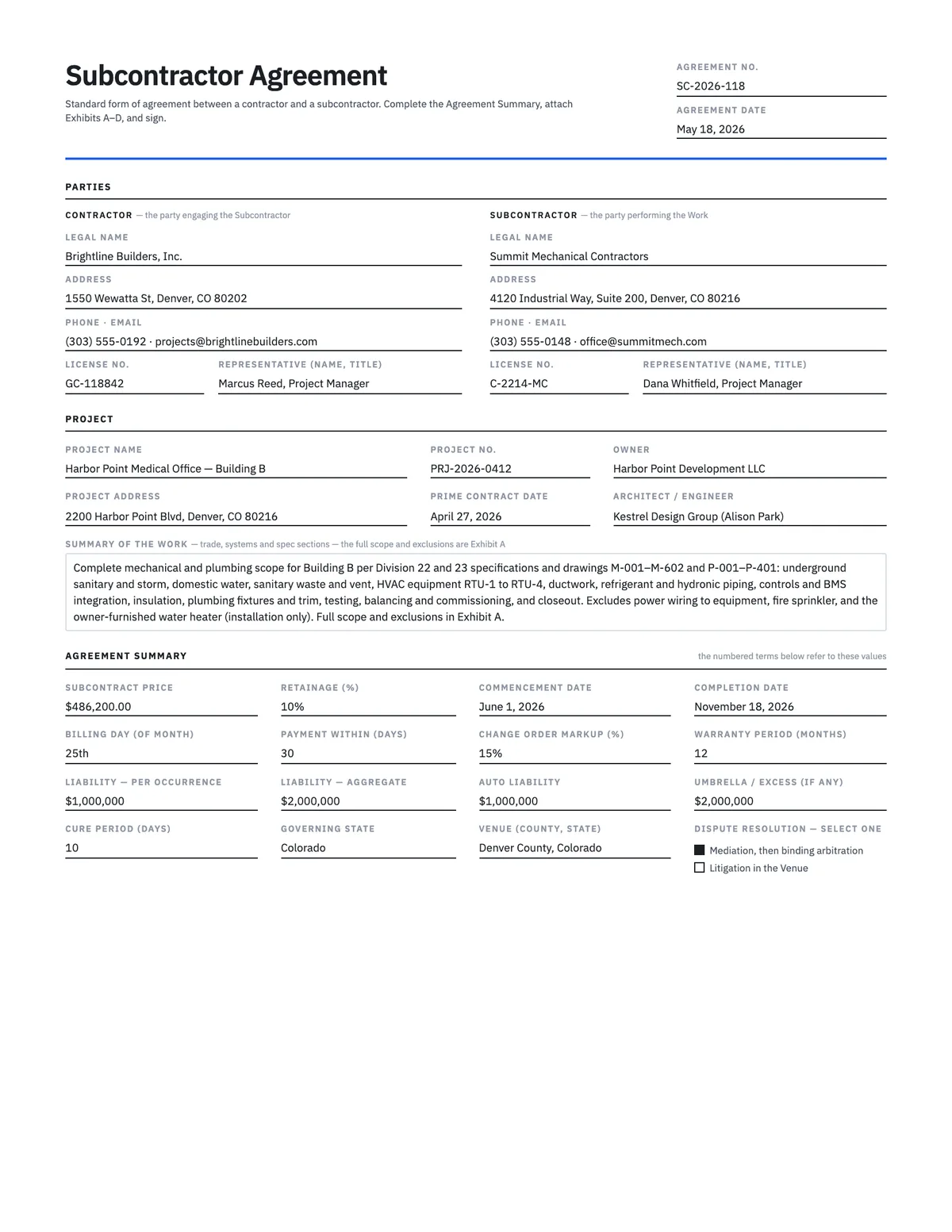
Subcontractor Agreement Template
15-section standard-form subcontract — scope, retainage, written change orders, lien waivers, insurance.
Word · PDF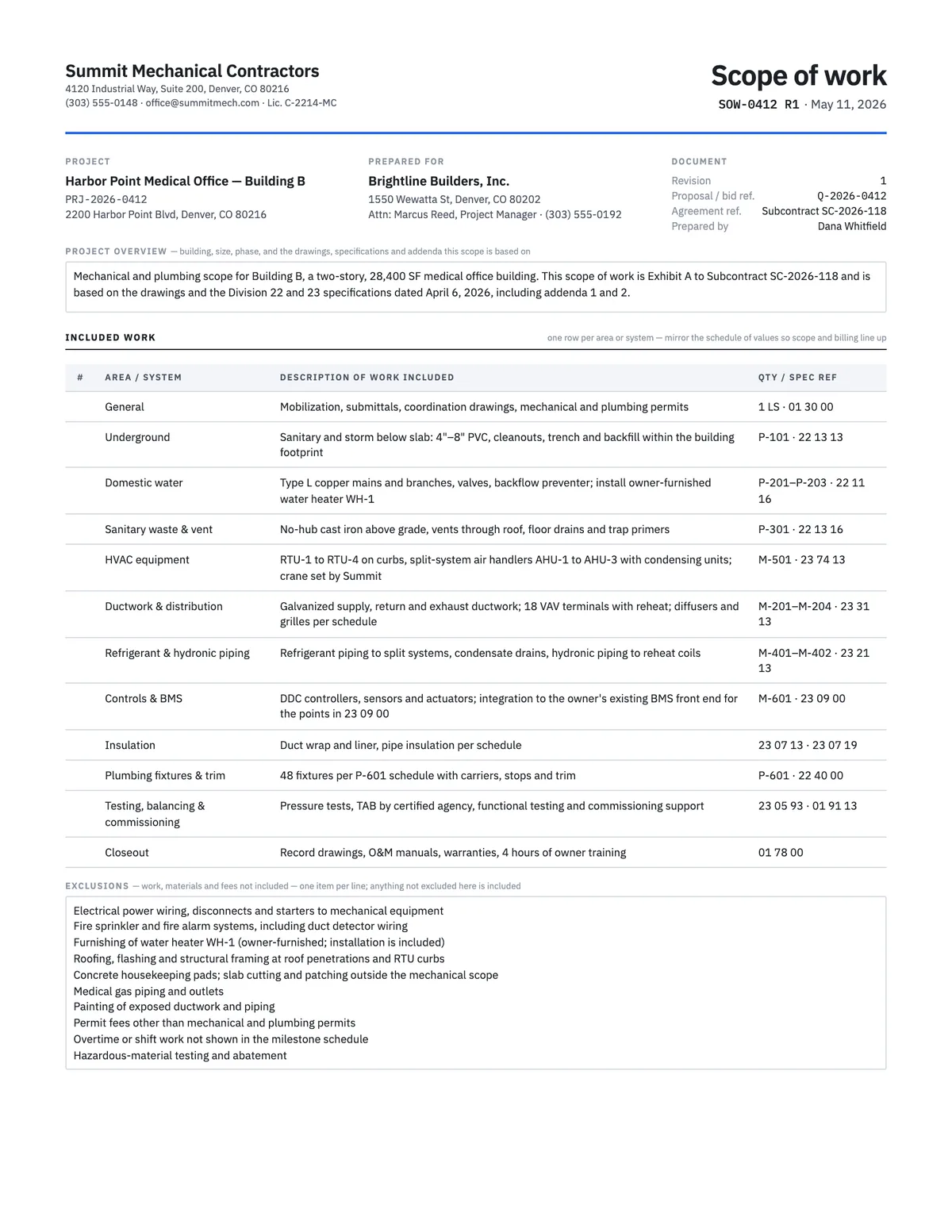
Scope of Work Template
Define exactly what is included, excluded, assumed and owed by others before anyone signs.
Word · PDF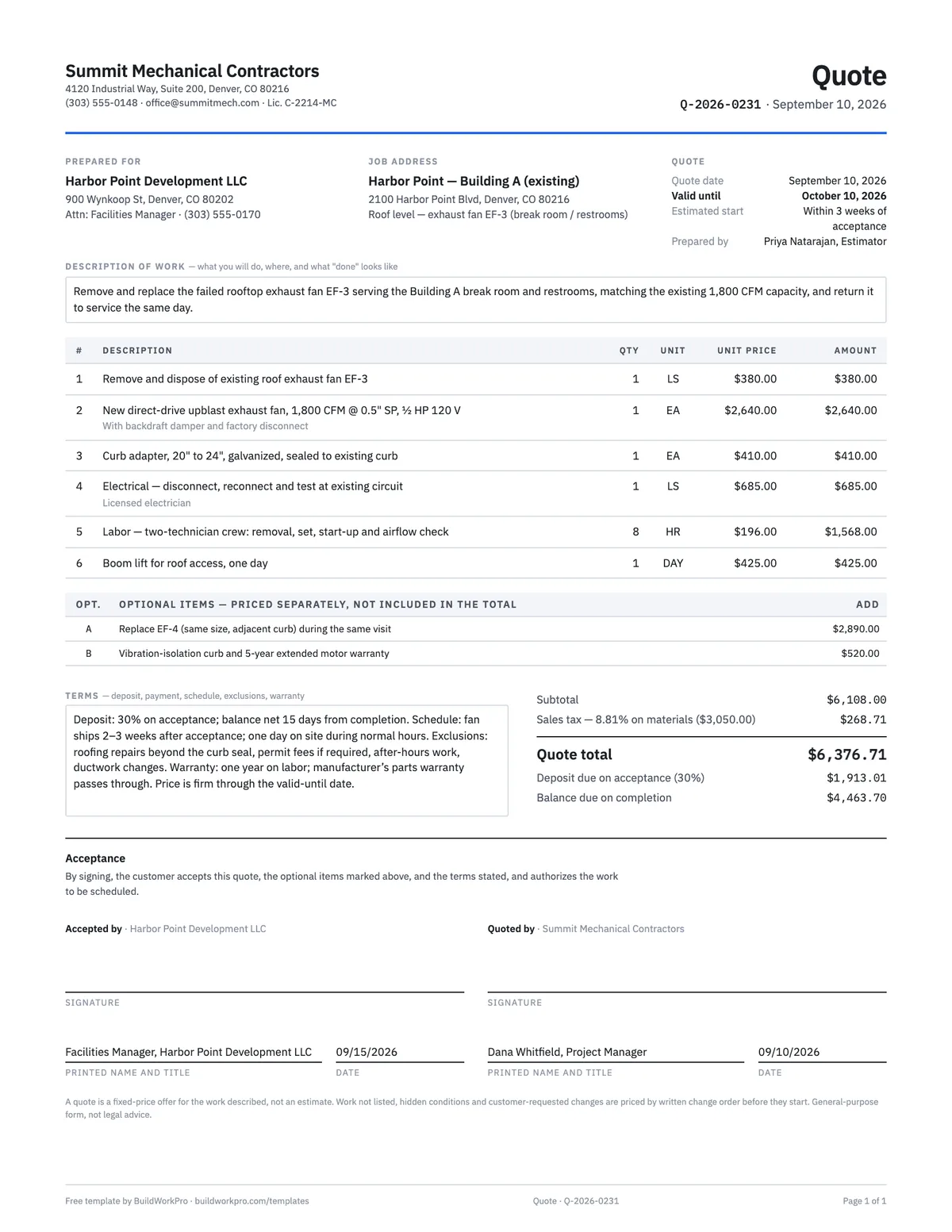
Construction Quote Template
One-page fixed-price quote with line items, options, validity date and acceptance signature.
Excel · Word · PDF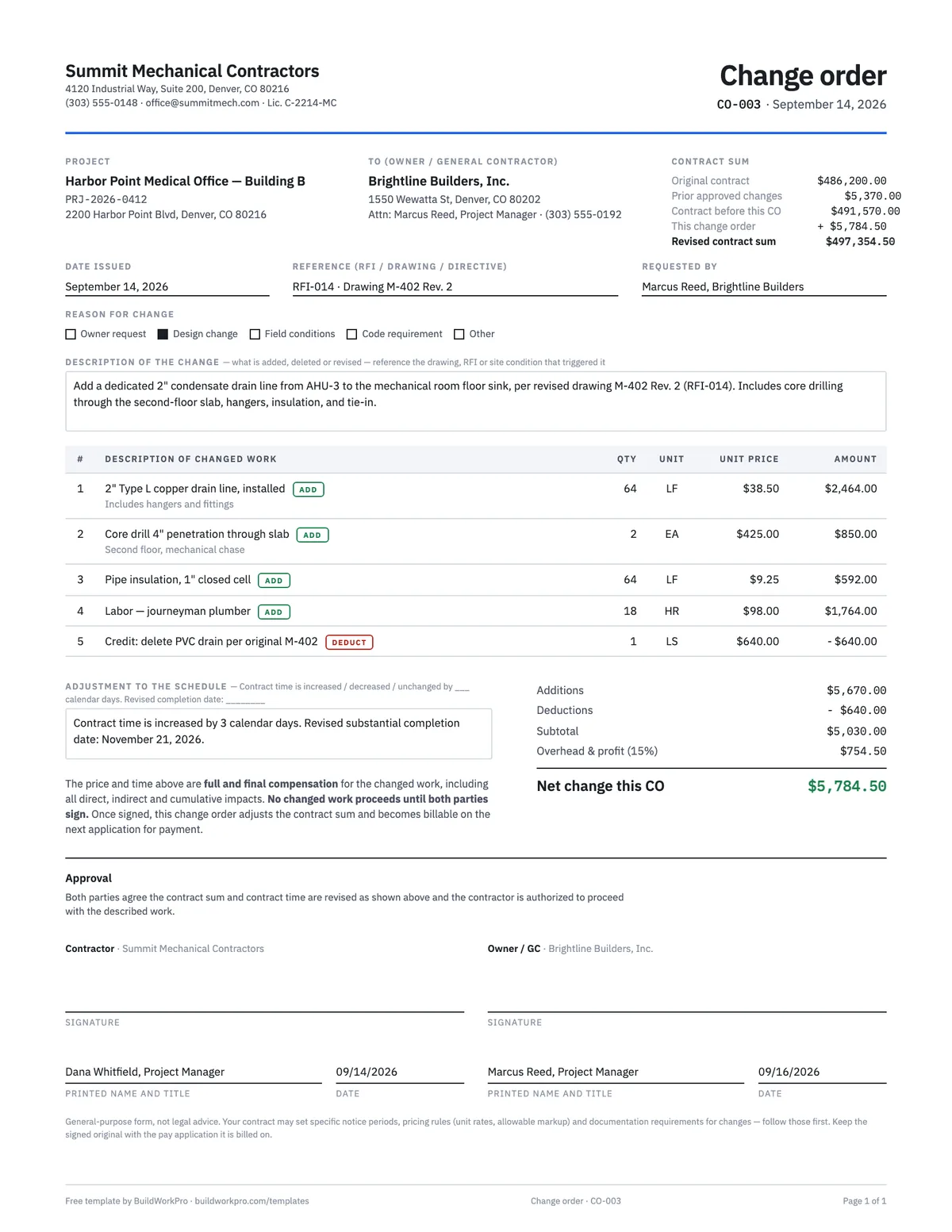
Construction Change Order Template
Price the change, adjust the contract sum and schedule, and get both signatures before the work starts.
PDF · Word · ExcelSign the contract, then run the job from it
BuildWorkPro turns the accepted proposal into a project, prices change orders against the contract, and bills the milestones from the same numbers — no retyping between the contract, the schedule and the invoices.
$79/month flat · 14-day free trial · No credit card required
Not legal advice. This template is a general-purpose starting point; home-improvement and construction contract requirements — required notices, right-to-cancel periods, deposit limits, licensing disclosures, lien laws — vary by state and by the type of property. Have a licensed attorney review before use.