
Free template
Contractor Invoice Template
A clean invoice that does its own math: line items, sales tax on the lines that are taxable, retainage held, payments received, and a balance due your customer cannot misread. Use it for the work you bill directly — service calls, T&M, owner-direct jobs — and the pay application template for the work you bill through a GC.
Free · No email required · Free to use and share for your own business
Updated September 17, 2026 · Built by the BuildWorkPro team, checked on real subcontractor jobs.
What's in the template
How to fill it out
-
1
Number it and set the dates
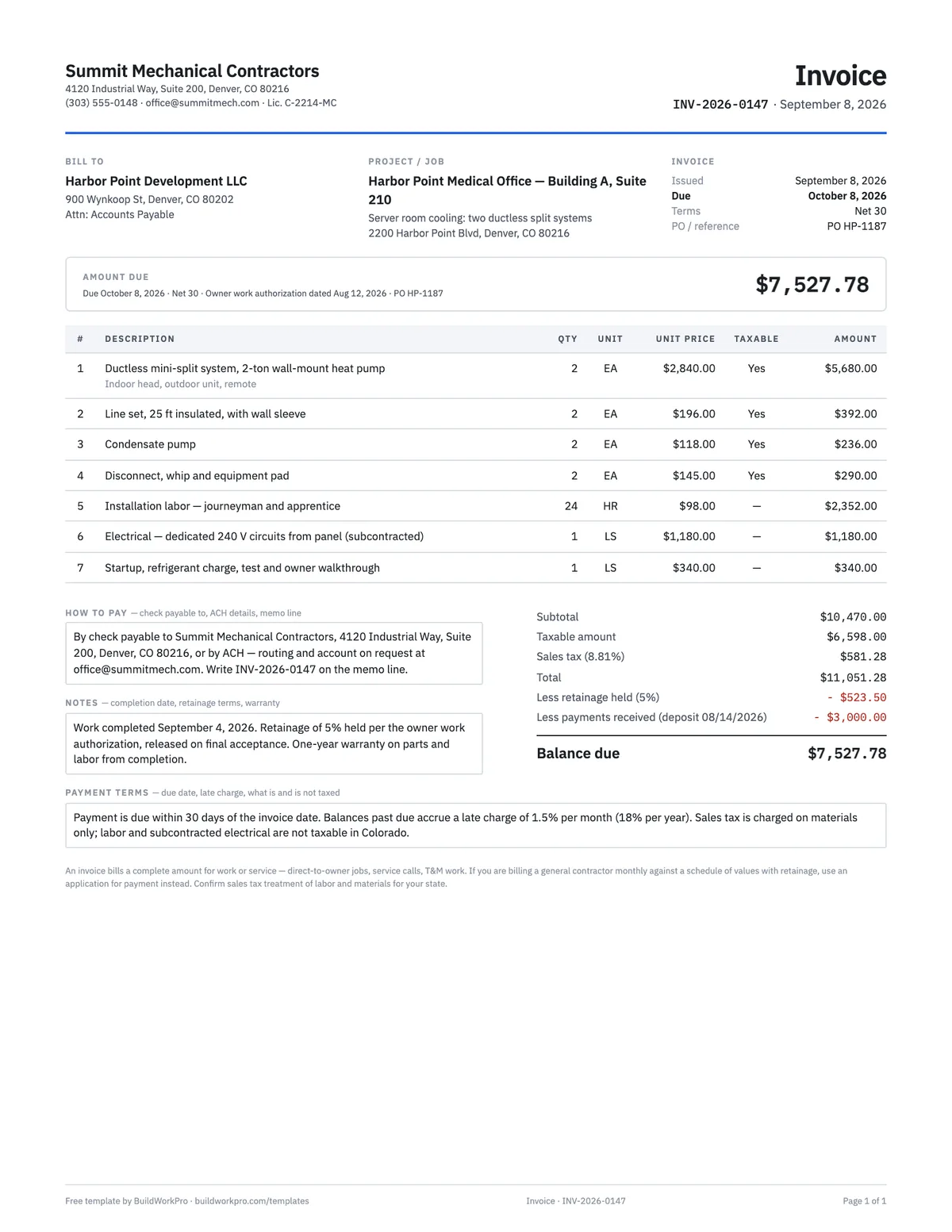
Use the next number in your sequence, put the issue date on it, and state the due date as a date — Net 30 becomes October 8, not "30 days". Pick the terms and cite the PO, work authorization or quote the customer signed so their accounts-payable clerk can match it.
-
2
Bill to the right party
The customer is whoever contracted with you and owes you the money — the owner on a direct job, the property manager, the homeowner. If a general contractor hired you, stop here: they will want a pay application against a schedule of values, not an invoice.
-
3
Itemize the work
One line per material, labor block or service with quantity, unit and unit price. Mark the lines that are taxable in your state (usually materials, usually not labor). Attach the signed T&M ticket, work order or quote as backup — itemized invoices with backup get paid; lump sums get questioned.
-
4
Apply tax, retainage and payments
Enter your sales tax rate; it applies only to the taxable lines. If the customer holds retainage, enter the rate — it is figured on the work, before tax. Deduct the deposit or prior payments. The balance due computes and fills the amount-due box.
-
5
Tell them how to pay, then send it
Check payable to, ACH details, the invoice number on the memo line, and your late-charge terms. Save as PDF, send it the day the work is done, and log it — the invoice you send a week late is the one that gets paid a month late.
Invoice or pay application? Decide this first
Contractors bill two ways, and using the wrong document is the most common reason a bill sits in someone's inbox. An invoice bills a complete amount for work or service: a service call, a T&M repair, a small project for a homeowner or a property owner who hired you directly. It has line items, tax, terms and a due date, and the customer pays it from their accounts payable like any other bill. A pay application bills a percentage of progress on a fixed-sum contract against a schedule of values, with retainage withheld, on a monthly cycle — the format every general contractor requires from its subcontractors.
The rule of thumb: if the customer is a GC, use the pay application template. If the customer is an owner, a manager or a homeowner, use this one. Some GCs want both, an invoice on top of the pay application for their AP system — in that case the invoice references the application number, matches its current payment due, and carries the same retainage.
What goes on a contractor invoice, field by field
- Your company and license number — the license is not decoration; many owners and property managers will not pay an unlicensed contractor, and their AP software asks for it.
- Bill to and project / job — who owes the money and where the work happened. Keep the job address even when it matches the billing address; commercial customers file by property.
- Invoice number, issue date, due date, terms, PO / reference — the five things an AP clerk needs to approve payment without calling you.
- Amount due, boxed at the top — the customer is looking for one number. Put it where they look.
- Line items with a taxable flag — description, quantity, unit, unit price, amount. Marking which lines are taxable is what lets the workbook tax materials and not labor.
- Subtotal, taxable amount, sales tax, total — the tax base is shown so the customer can check it.
- Less retainage held, less payments received, balance due — deposits and holdbacks are subtracted in the open, not buried in a lump sum.
- How to pay, notes, payment terms — check and ACH instructions, the memo line, completion date, warranty, when retainage is released, and the late charge.
A worked example
The completed example is an owner-direct job: the developer who owns the medical office campus where the sample subcontractor is already working asked them to add two ductless split systems to a server room in the neighbouring building, outside the GC's contract. Four material lines (two 2-ton systems at $2,840.00 each, line sets, condensate pumps, disconnects and pads) come to $6,598.00 and are marked taxable; 24 hours of installation labor at $98.00, a subcontracted electrical circuit at $1,180.00 and startup at $340.00 are not. The subtotal is $10,470.00.
Sales tax at Denver's 8.81% applies to the $6,598.00 of materials only — $581.28 — for a total of $11,051.28. The owner's work authorization holds 5% retainage on the work, $523.50, released on final acceptance, and a $3,000.00 deposit was received in August. The balance due, and the number in the box at the top, is $7,527.78, due October 8 on Net 30 terms. The notes say when the work was completed and when the retainage will be invoiced, so nobody has to ask.
Progress invoices and retainage on invoices
On a larger direct-to-owner job you will invoice in stages: a deposit, one or more progress invoices, and a final. Each progress invoice bills the value of the work since the last one, subtracts payments received, and — if the owner holds retainage — subtracts the holdback on this invoice's work. Carry a running total in the notes ("contract $48,000; billed to date $31,200 including this invoice; retainage held to date $1,560") so the customer sees the same numbers you do. When the job is accepted, the retainage is invoiced on its own, usually alongside a final lien waiver. Our retainage guide covers rates, release and what to do when it is late.
Payment terms and late fees that actually work
Terms are a date, not a phrase. "Net 30" on an invoice issued September 8 means October 8 — print the date. State a late charge (1.5% per month is common; check what your state allows), say what it applies to, and apply it when the time comes; a term that is never enforced is not a term. Give the customer every way to pay you: check with the address, ACH details on request, and the invoice number on the memo line so the payment lands on the right job. Send the invoice the day the work is done. The single biggest predictor of when you get paid is when you asked.
Common mistakes
- Invoicing a GC for progress work — they need a pay application against a schedule of values.
- Taxing labor in a state that does not tax it, or not taxing materials in one that does.
- Netting the deposit into the line items instead of showing it as a payment received.
- Omitting the retainage release terms, then arguing about them at closeout.
- A lump-sum line with no backup — attach the signed T&M ticket or the accepted quote.
- Renumbering or reusing invoice numbers; issue a credit and a new invoice instead.
When invoices come from the job record instead of a blank file — the accepted quote, the approved pay application, the logged T&M — the numbers agree and the invoice goes out the same day. That is what invoicing in BuildWorkPro does.
Invoices that come from the job, not a blank file
BuildWorkPro generates invoices from your projects and approved pay applications, numbers them automatically, emails the PDF, and syncs them to QuickBooks Online — the numbering, the records and the books all agree. $79/month flat, 14-day free trial.
See invoicing in BuildWorkProFrequently asked questions
What should a construction invoice include?
Your business details and license number, the customer and the project or job address, an invoice number and issue date, a due date stated as a date, line items with quantities and unit prices, sales tax where applicable, any retainage held and payments already received, the balance due, and how to pay. Ambiguity delays payment — the template fields exist so nothing is left to interpretation.
What is the difference between an invoice and a pay application?
An invoice bills a complete amount for work or service — direct-to-owner jobs, service calls, T&M work, small projects. A pay application bills a percentage of progress against a schedule of values with retainage, on a monthly cycle, and is the format general contractors require. If your customer is a GC, you almost certainly need the pay application template instead; some GCs want both, with the invoice referencing the application number for their accounts-payable system.
What is a progress invoice?
An invoice for part of a job — a deposit, a milestone, or a percentage complete — rather than the whole amount at the end. It works like a pay application without the continuation sheet: state what portion the invoice covers, deduct payments already received, and carry the remaining contract balance in the notes so the customer can see the running total. On larger direct-to-owner jobs, a progress invoice with retainage held is normal.
How do I show retainage on an invoice?
As a deduction after the total: bill the full value of the work, add tax, then subtract the retainage the customer holds (the template figures it as a rate on the subtotal, before tax) and any payments received to reach the balance due. Say in the notes when the retainage is released — on final acceptance, on a date, or on a milestone — and invoice it separately when that happens. Our retainage guide covers the rules by contract type.
Should I charge sales tax on labor?
It depends on the state. Many states tax materials and not construction labor; some tax certain services; and contractors in some states pay tax on materials at purchase and do not charge it at all. The template has a taxable flag per line so you can tax materials and leave labor and subcontracted work untaxed where that is the rule. Confirm the treatment for your state and job type with your accountant.
What payment terms should I use?
Net 15 or Net 30 are standard; due on receipt for service work. State the due date as a date, not just a term, and include a late-fee percentage where your state allows it — 1.5% per month is common. An invoice with a date and a consequence gets prioritized over one with neither.
How should I number invoices?
Sequentially, with a scheme that sorts: year plus a running number (INV-2026-0147) or a project prefix. Never reuse or skip numbers, and never renumber a sent invoice — issue a credit and a new one instead. Your bookkeeper, your accountant and any audit will thank you.
Templates that go with this one
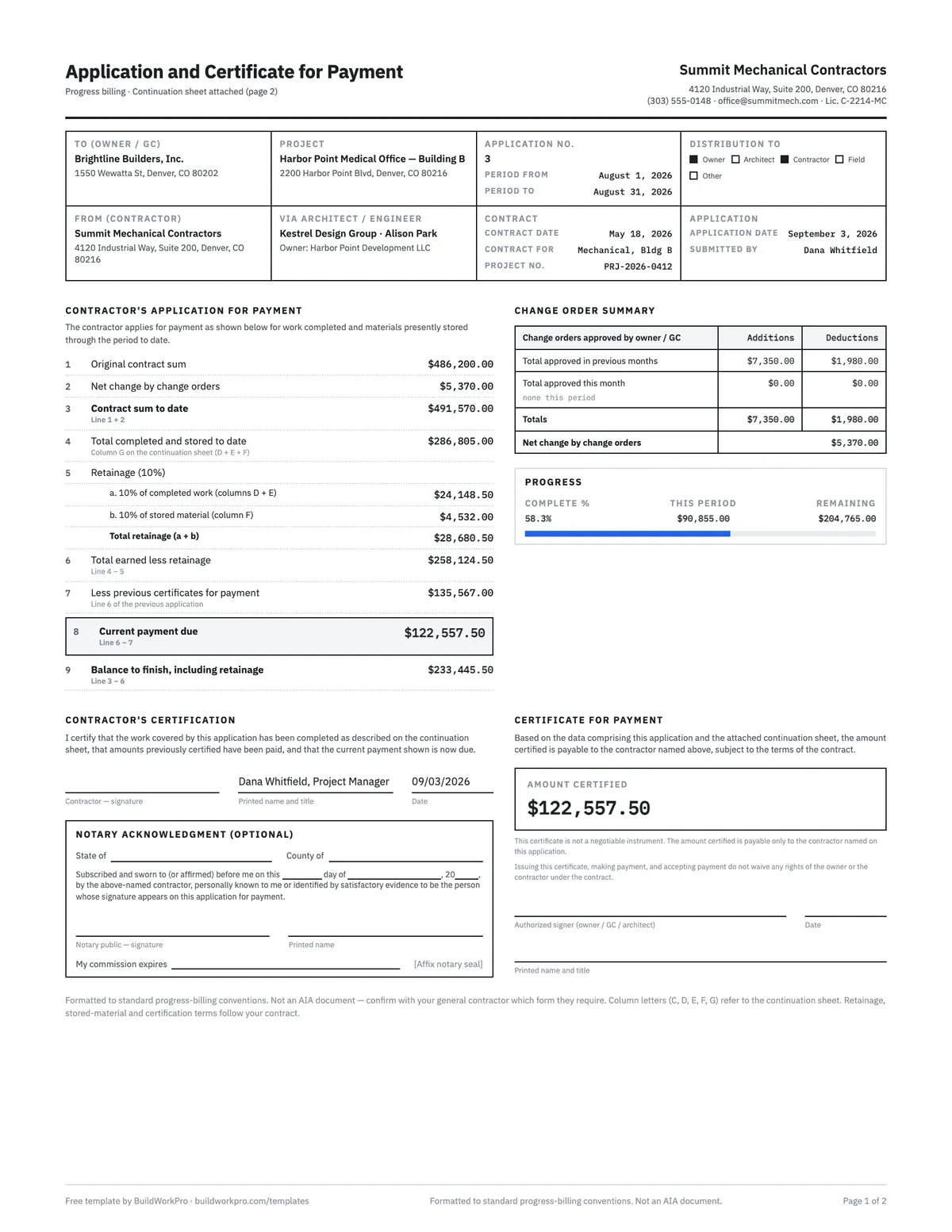
Pay Application Template (G702 & G703 style)
Application and certificate for payment with a continuation sheet, retainage math and carry-forward between periods.
Excel · PDF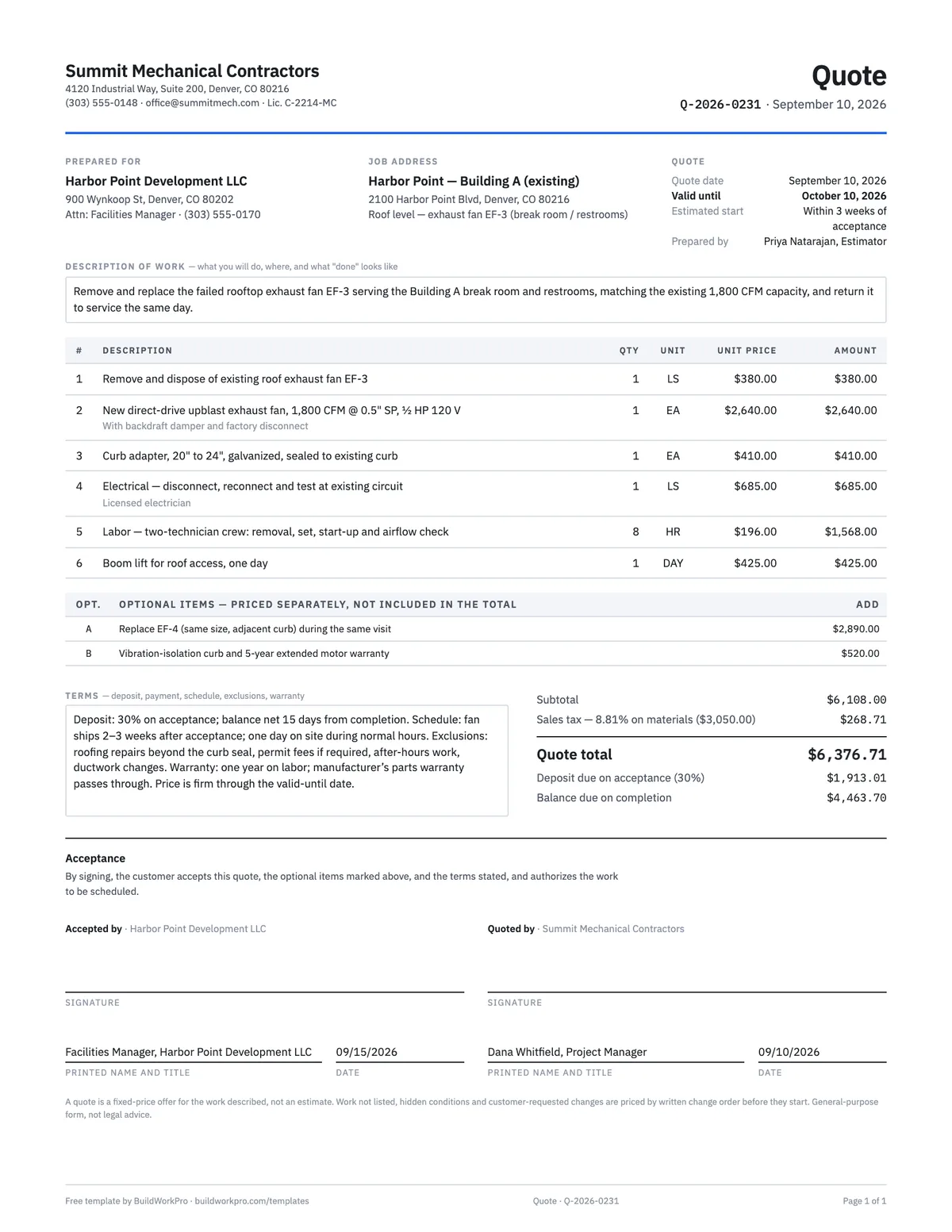
Construction Quote Template
One-page fixed-price quote with line items, options, validity date and acceptance signature.
Excel · Word · PDF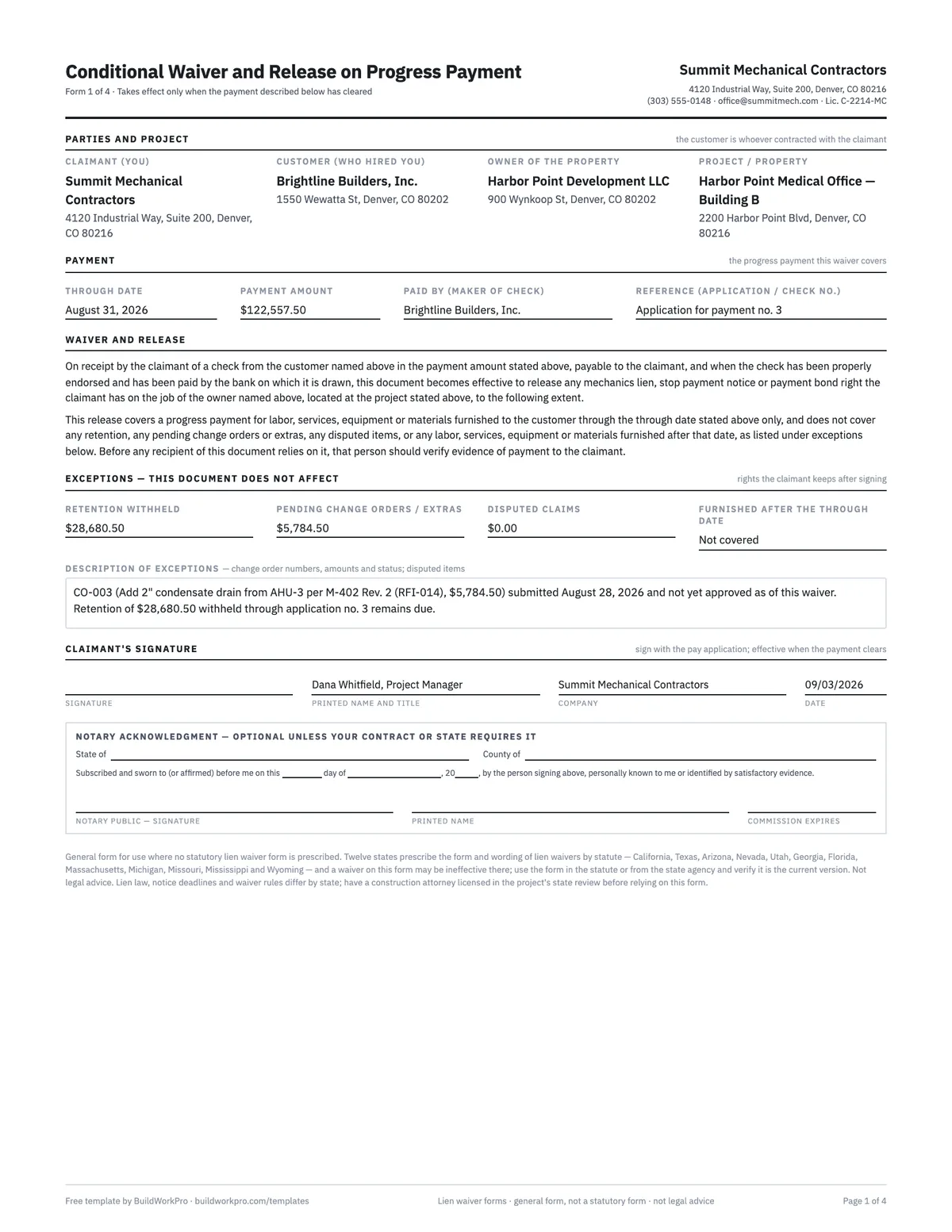
Lien Waiver Forms (4 types)
Conditional and unconditional waivers for progress and final payment, with the exception fields that protect you.
Word · PDF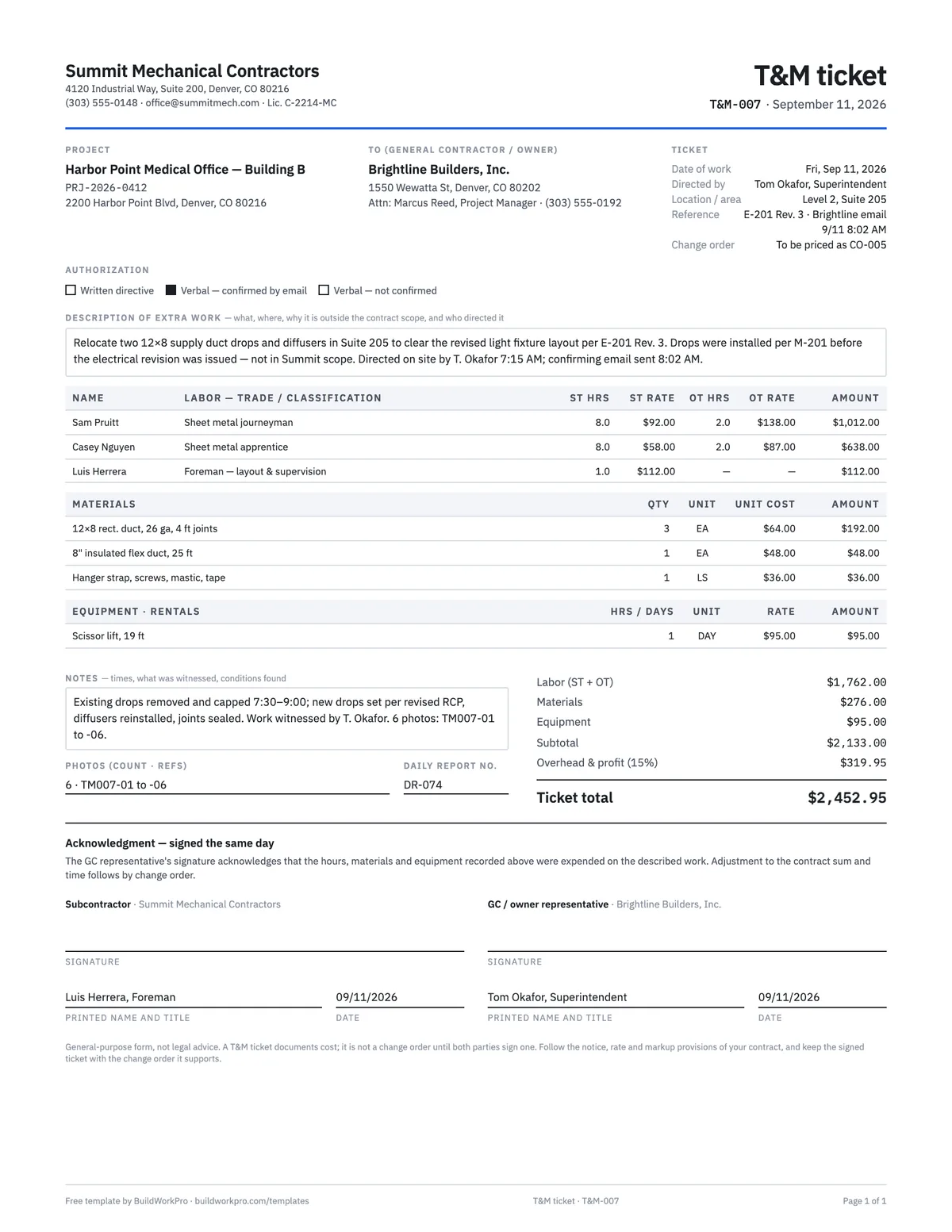
T&M Ticket Template
Time and materials ticket with labor, overtime, materials and equipment, signed on site the same day.
PDF · ExcelFree calculators and price data for this work: Pay Application Builder · Markup vs Margin Calculator
Bill from the job, get paid on time
BuildWorkPro turns approved pay applications and finished work into numbered invoices, emails them with the PDF attached, and keeps the books in sync — so the invoice goes out the day the work is done.
$79/month flat · 14-day free trial · No credit card required
General-purpose form, not legal or accounting advice. Sales tax treatment of labor and materials, late-charge limits and retainage rules vary by state — confirm them with your accountant or attorney.