
Free template
Construction Punch List Template
A punch list that gets you to zero: every item with a location, a description that says what fixes it, a responsible trade, a priority, a status and a verifier. The Excel tracker counts open, ready-for-review and complete items live and flags overdue due dates; the PDF and Word versions print for the walk.
Free · No email required · Free to use and share for your own business
Updated September 17, 2026 · Built by the BuildWorkPro team, checked on real subcontractor jobs.
What's in the template
How to fill it out
-
1
Set up the walk
Enter the project, the walk date and who conducted the walk — the GC’s superintendent, the owner’s representative, the architect. In Excel, set a status date if you are reporting as of a specific day; leave it blank and days open count to today.
-
2
Write items that can be fixed without a phone call
Location first (floor · room · grid), then what is wrong and what fixes it: “Diffuser D-12 not aligned with ceiling grid; reset and re-seal.” Name the trade or person responsible. Photograph the item and put the photo reference in the notes.
-
3
Set a priority and a due date
High for safety, water or weather exposure, or anything that blocks another trade; Med for anything that must close before final; Low for cosmetic. Give High items a shorter due date. In Excel the due date turns red the day it passes without the item complete.
-
4
Move items through three statuses
Open → Ready for Review once the fix is done → Complete only after the GC, owner or architect verifies it. Record the verifier by name. The counts at the top of the sheet update as you go, and sorting by trade hands each sub exactly their items.
-
5
Close it out
When every item reads Complete, get both signatures on the sign-off block, and file the list with your certificate of substantial completion and final pay application. That signed list is what supports the retainage release.
Why the punch list is a billing document
A punch list looks like a to-do list, but for a subcontractor it is the last gate before the final pay application. Most subcontracts hold retainage — typically 5% or 10% of every progress payment — until the work is complete and accepted, and “accepted” in practice means the punch list is closed and verified. On a $486,200 contract with 10% retainage, that is $48,620 sitting behind a list of diffuser alignments and missing escutcheons. Treating the list with the same discipline as the pay application is how you get that money in weeks instead of months.
The template is built around that fact. Every item carries the fields a verifier needs to close it, the Excel version counts what is still open, and the sign-off block turns the finished list into a document you can attach to the certificate of substantial completion.
Field by field
- Location / room — floor, room number and grid line if the item is above a ceiling. Location-first ordering matches how the walk physically moves and lets one crew close a whole corridor in a pass.
- Item — what is wrong and what fixes it. “RG-14 rattles” sends someone to look; “Return grille RG-14 rattles at high speed; add gasket and re-secure” sends someone with the right parts.
- Trade / responsible — the trade for a multi-trade list, the person for your own list. Sort on this column to hand out work.
- Priority — High for safety, water or weather exposure or anything blocking another trade; Med for anything that must close before final; Low for cosmetic. Without a priority, crews close the easy items first and the roof flashing waits.
- Status — Open, Ready for Review, Complete. The middle status exists so the person who fixed the item is not the person who closes it.
- Noted / due / completed — three dates. Days open computes from them in Excel, and the due date turns red when it passes without the item complete.
- Verified by — the GC superintendent, owner’s representative or architect who confirmed the fix. An item without a verifier is not complete, whatever the status column says.
A worked example
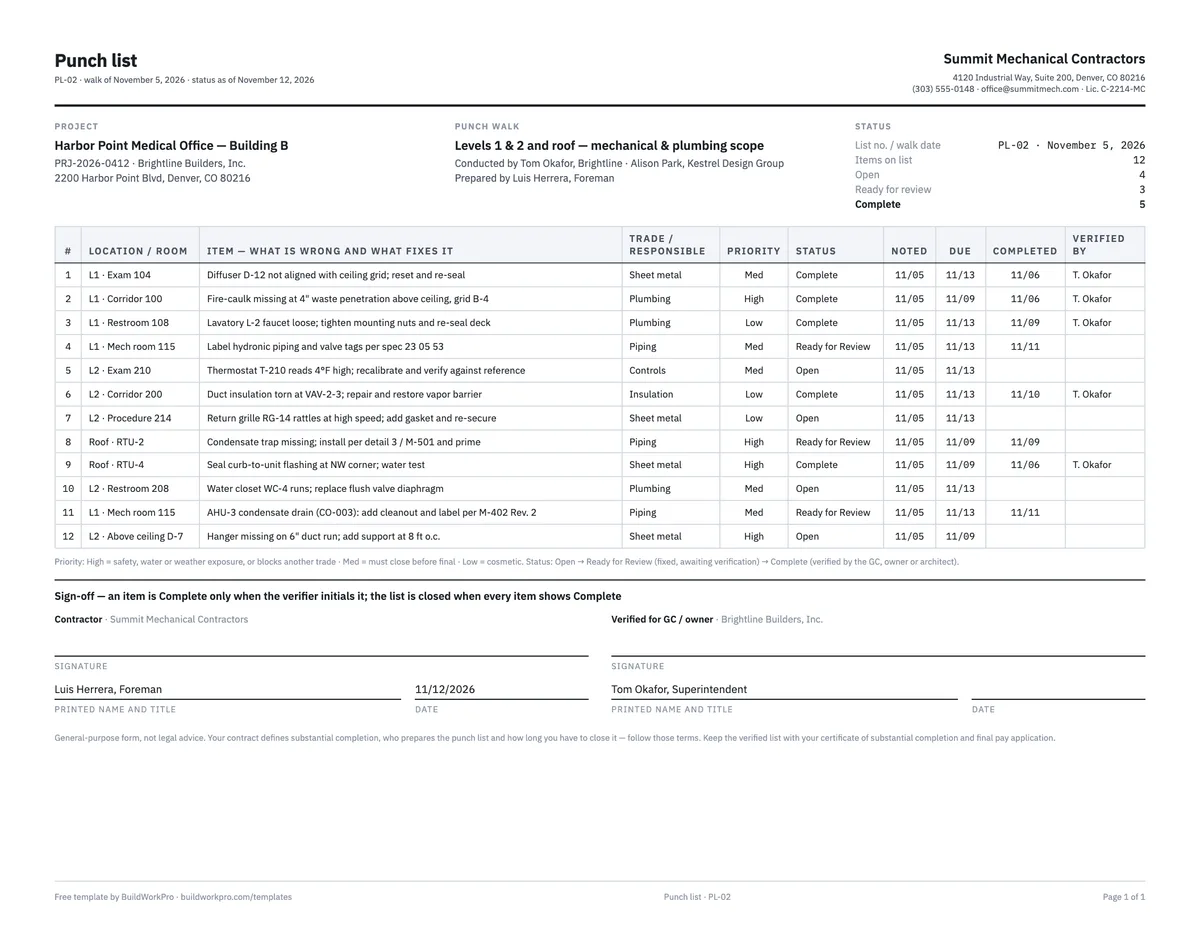
The completed example is a mechanical subcontractor’s list from the owner–architect punch walk on a medical office building on November 5, 2026, reported as of November 12 — twelve items across two floors and the roof. Five are complete and verified by the GC superintendent, three are fixed and waiting for review, and four are still open. The four High items are the ones you would expect: a missing fire-caulk seal at a waste penetration, a missing condensate trap on RTU-2, curb flashing at RTU-4 and a missing hanger on a duct run — the safety, water and code items, each with a shorter due date than the cosmetic ones. One item refers back to a change order: the AHU-3 condensate drain added under CO-003 needs a cleanout and a label, which is how a change order’s scope shows up on a punch list two months later.
Look at the status counts in the header: 12 on list, 4 open, 3 ready for review, 5 complete. That line is the whole conversation with the GC — what is left, what is waiting on them, and what is done — and in the Excel version it recalculates every time a status changes.
Pre-punch, owner punch and closeout
The most effective use of this template is before the official walk. Walk your own scope with your foreman a week ahead, list everything you would flag if you were the architect, and close it. Items you find and fix yourself never appear on the GC’s list, never get a due date set by someone else, and never hold retainage. Then use a second list for the items the owner’s walk produces.
When the last item is verified, the list feeds three closeout documents: the certificate of substantial completion, which records the punch list count and the date it must be closed by; the final pay application, which bills the retainage; and the final lien waiver that goes with it. Track the walk date, the inspection and the day the last item closed in your daily report, and put the open count on the agenda in your meeting minutes every week until it reads zero. Our guide to managing punch lists as a subcontractor covers the walk itself in more detail.
Common mistakes this list is built to prevent
- Items described as a location only — “Exam 210” — with nothing about what is wrong.
- No priority, so the cosmetic items close first and the water items wait.
- The fixer marking their own work complete, then the verifier reopening it — with no record of either.
- Accepting items outside your scope without a note; they become your retainage problem.
- Losing the photos — take one when the item is noted and one when it is fixed.
- Closing the list without signatures. A verified, signed list is what supports the retainage release; a spreadsheet that says “complete” is an opinion.
Punch items as tasks, not spreadsheet rows
In BuildWorkPro every job is a project with phases and tasks — each with a status, priority, assignee and checklist — and the project’s Documents tab holds the photos. Track punch items as tasks the office and the field both see, next to the change orders and pay applications for the same job. Construction project management software for $79/month flat, 14-day free trial.
See project management in BuildWorkProFrequently asked questions
What is a punch list?
The list of items that stand between substantial completion and final payment — touch-ups, adjustments, incomplete details — assembled during the walkthrough near the end of a project. For a sub, the punch list matters because retainage release usually waits on it: every open item is money you have already earned and cannot collect yet.
Who creates the punch list?
On commercial work, typically the architect or GC during the walkthrough — but a sub who self-performs a punch walk first, with their own list, closes out faster and looks better doing it. Use this template for your own pre-punch before the official one, then again to track the items the owner’s walk produces.
How should I organize punch list items?
By location first, then trade. Location-first matches how the walkthrough physically moves; the trade column then lets you sort and hand each responsible party exactly their items. Every item needs enough description that whoever fixes it does not need a phone call — say what is wrong and what fixes it.
What does “Ready for Review” mean, and why is it a separate status?
It means the fix is done and the item is waiting for someone other than the person who fixed it to confirm it. Without that middle status, crews mark items complete, the verifier disagrees, and the item bounces between open and closed with no record of who looked at it. The template counts the three statuses separately so you can see how much is fixed but unverified.
How do I get punch items closed faster?
Three habits: photograph every item when it is identified, set a priority so crews stop cherry-picking easy ones, and require a verifier other than the person who did the fix. The template carries columns for all three, plus a due date that turns red in Excel when it passes without the item marked Complete.
How long do I have to close punch list items?
Whatever the contract says — commonly 30 days from the punch walk, sometimes tied to the certificate of substantial completion. Read the closeout section of your subcontract before the walk so the due dates on your list match the contractual deadline. Items you dispute (not your scope, or not a defect) should be noted as such in writing rather than left open.
What is the difference between a punch list and a warranty claim?
A punch item is incomplete or non-conforming work identified before final completion; it is part of finishing the contract. A warranty claim is a defect that appears after completion, during the warranty period (usually one year). Keep them separate: the punch list is closed at final payment, and the certificate of substantial completion sets the date the warranty clock starts.
Templates that go with this one
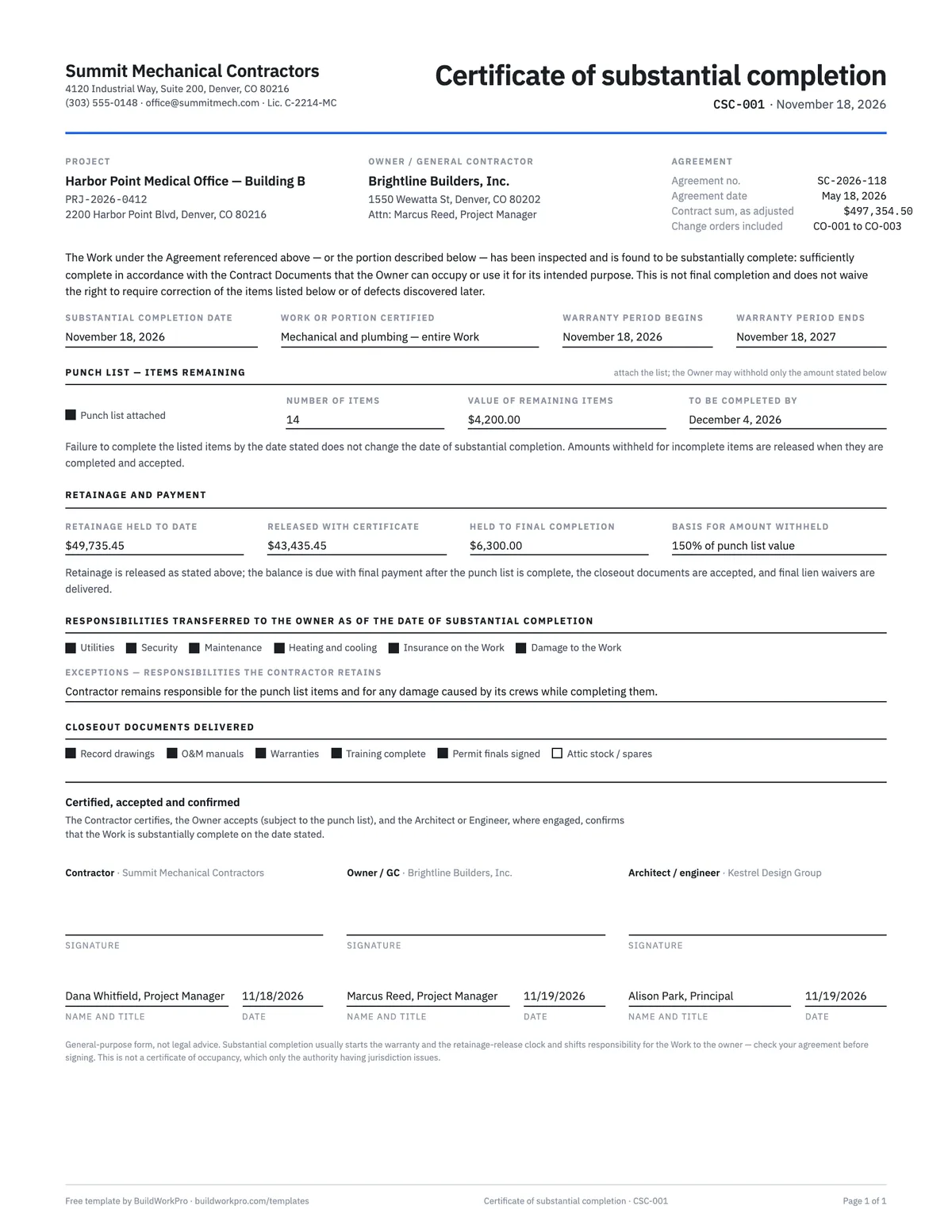
Certificate of Substantial Completion Template
Fix the completion date, the punch list, the warranty start and the retainage release in one signed page.
Word · PDF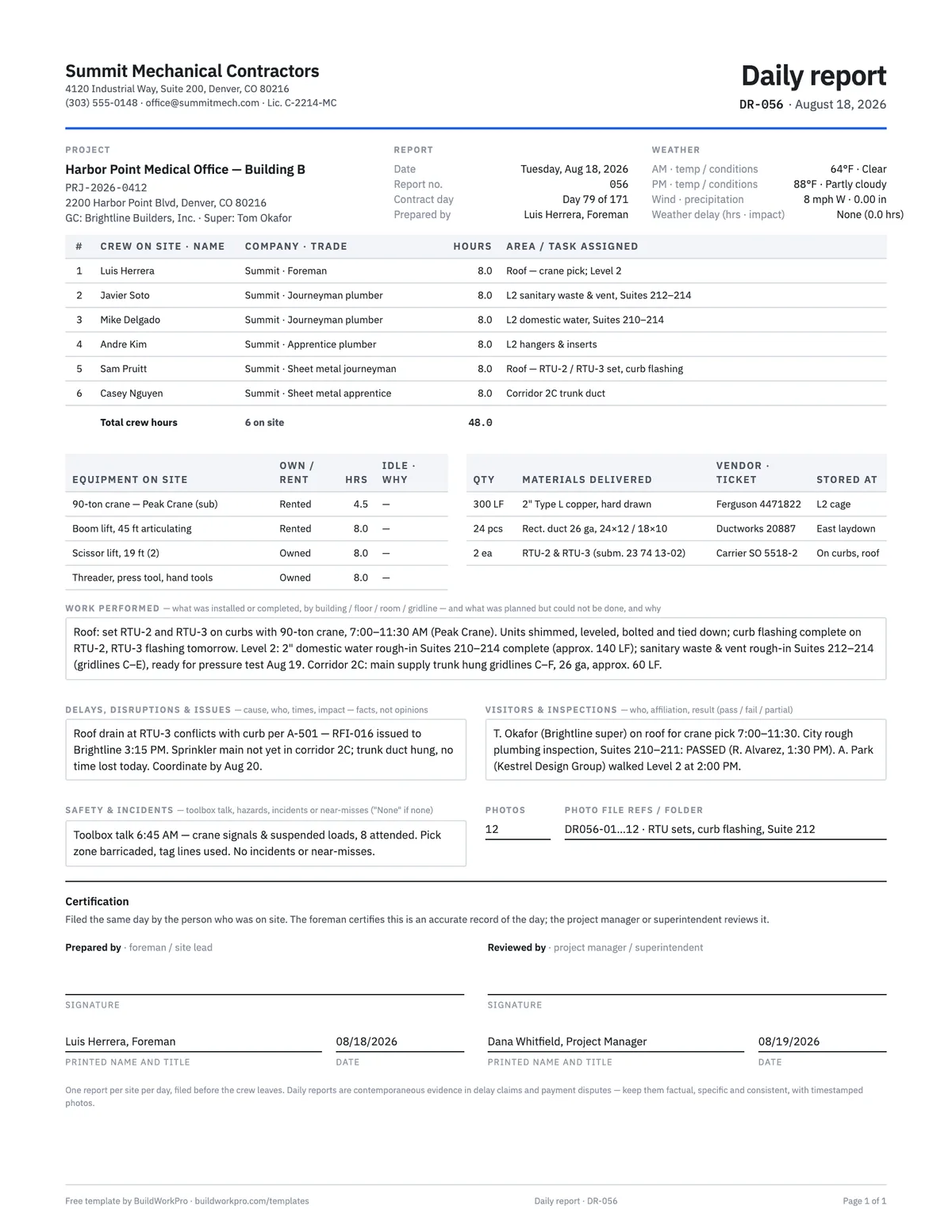
Construction Daily Report Template
Crew, weather, work performed, deliveries, delays, safety and photos — the record that holds up later.
PDF · Word · Excel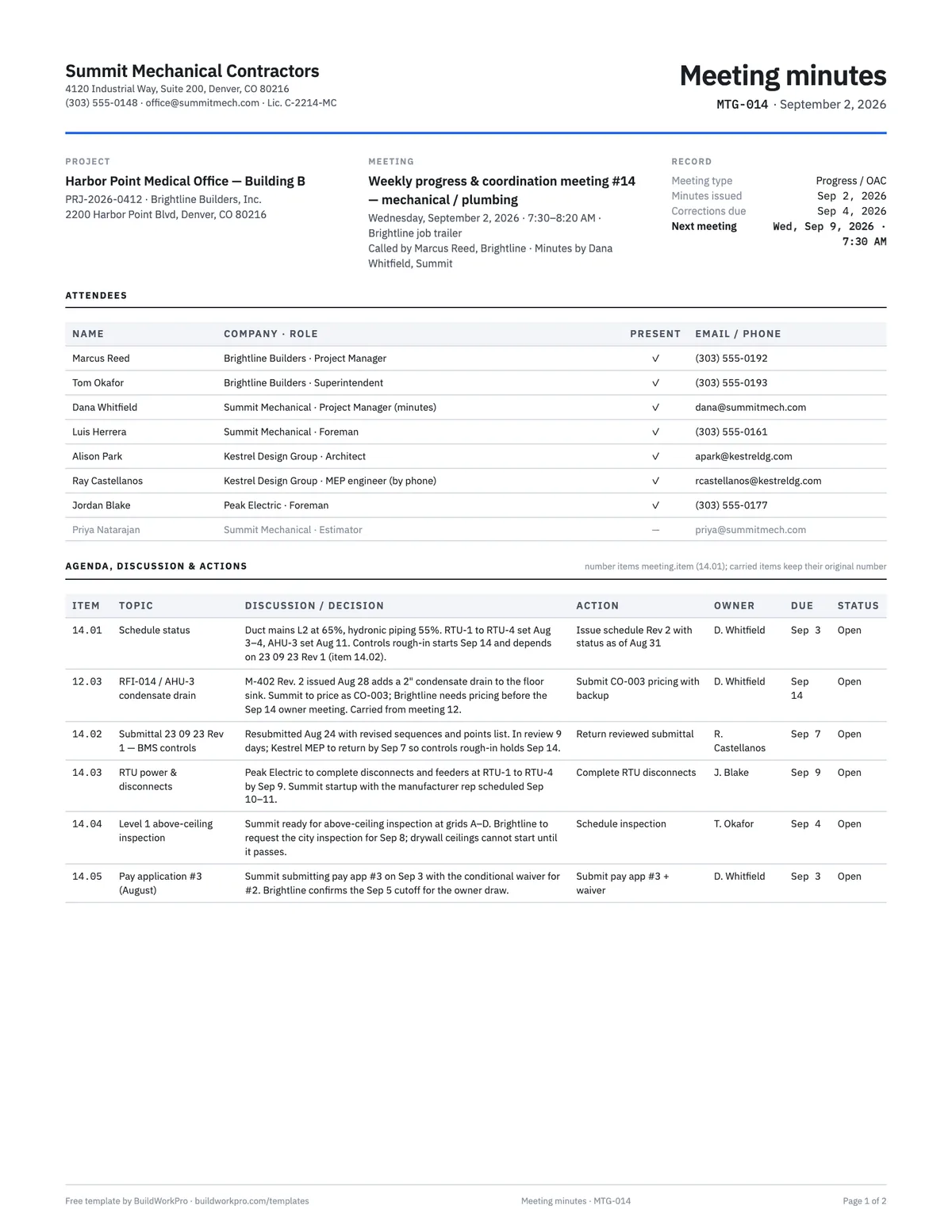
Construction Meeting Minutes Template
Attendees, agenda, decisions, and an action-item table with owners and due dates.
Word · PDF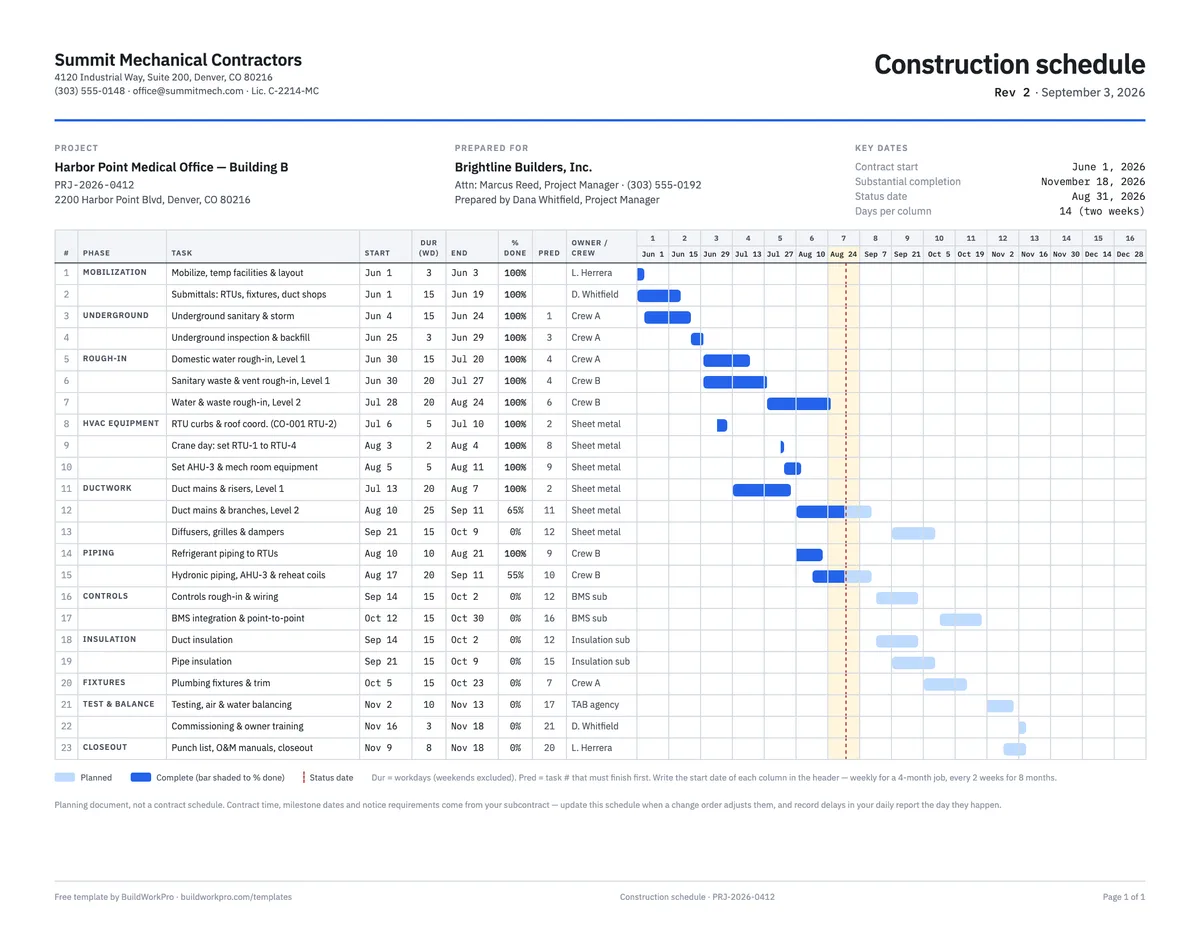
Construction Schedule Template
Tasks by phase with durations, predecessors, % complete and a week-by-week Gantt bar.
Excel · PDFGet to zero faster
BuildWorkPro keeps the punch items, the schedule, the daily logs and the final pay application on the same project, so closeout is a status you can see — not a spreadsheet you have to find.
$79/month flat · 14-day free trial · No credit card required
General-purpose form, not legal advice. Your contract defines substantial completion, who prepares the punch list and how long you have to close it — follow those terms, and keep the verified list with your closeout documents.