
Bid Templates
BuildWorkPro has two kinds of reusable content for bids: estimate templates that save a whole line-item structure, and saved payment terms and conditions clauses.
Estimate templates
Section titled “Estimate templates”Save the line items and cost items of a bid as a template, then load them into a new bid to skip re-entry.
-
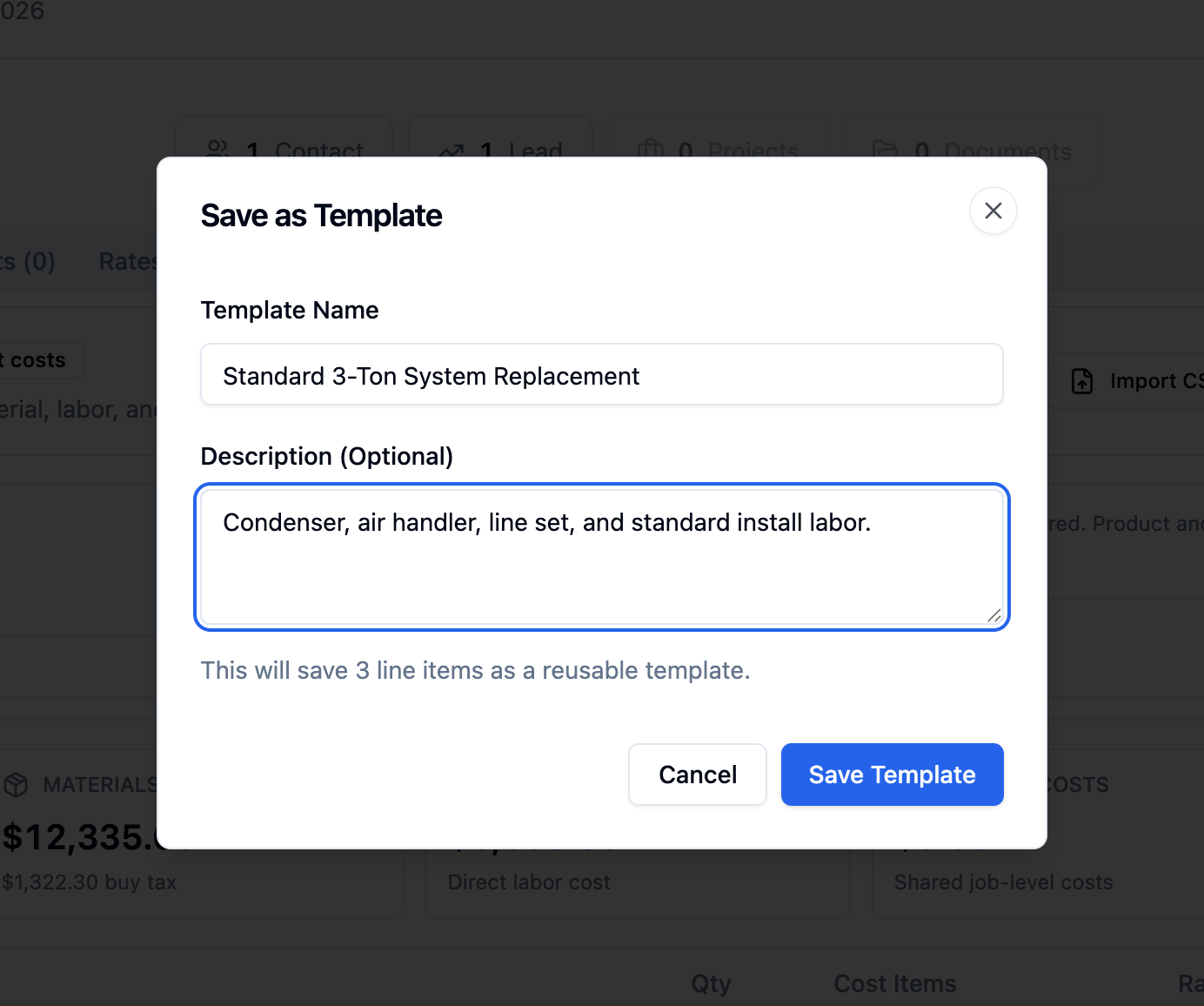
Save a template. On the Estimate tab, click Save Template. In the Save as Template dialog, enter a Template Name and an optional Description, then click Save Template.
-
Load a template. On a new bid’s Estimate tab, click Load Template, then click Load next to the template you want. Its marks, products, and cost items are restored.
Payment terms and conditions
Section titled “Payment terms and conditions”Reusable payment terms and terms-and-conditions clauses are managed separately.
-
Open the templates settings. Go to Settings -> Bid Templates.
-
Manage your clauses. Save reusable Payment Terms and Terms & Conditions text.
Apply a saved clause to a bid from the Payment Terms and Terms & Conditions fields on the bid’s Overview tab.