
Integrations
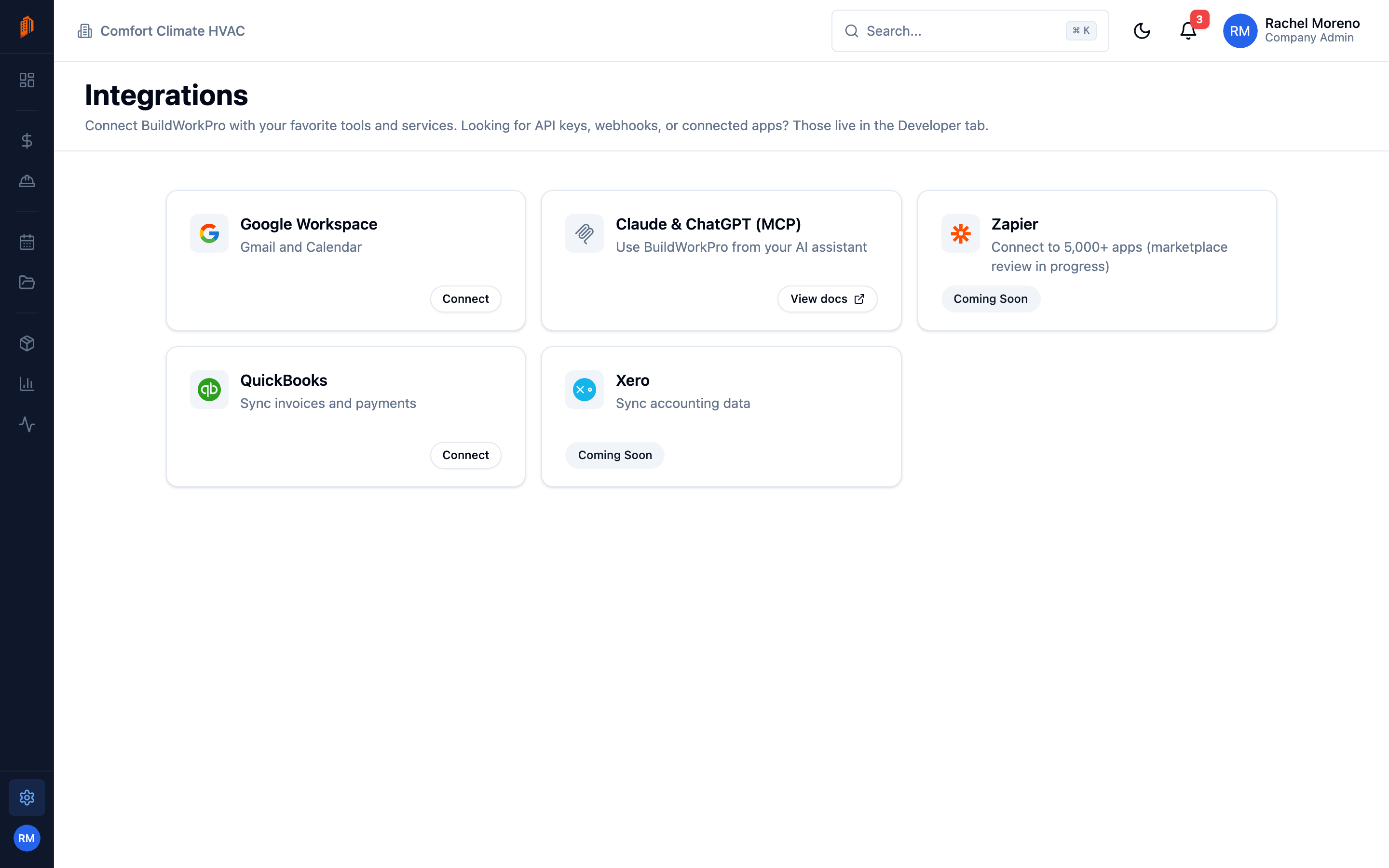
The Integrations tab connects BuildWorkPro to the other tools you use. Open it from Settings -> Integrations. Each integration is a card showing its status.
Available integrations
Section titled “Available integrations”- Google Workspace – connect Gmail and Google Calendar to send email from your own address and sync project dates. See connect Google.
- Claude and ChatGPT (MCP) – use BuildWorkPro from Claude or ChatGPT through the Model Context Protocol. Any other MCP client – Claude Code, Grok Bot, OpenClaw, Hermes Agent – uses the same connection. See the MCP overview in the developer docs for the install guide per agent.
- QuickBooks – sync invoices and payments with QuickBooks Online. Click Connect on the QuickBooks card and sign in with your Intuit account.
Coming soon
Section titled “Coming soon”- Zapier
- Xero
These appear with a Coming Soon badge until they are available.
Connected apps and developer tools
Section titled “Connected apps and developer tools”The Developer & API tab is the home for programmatic access – API Keys and Webhook Endpoints. The apps you have authorized to act on your behalf, AI agents included, are listed under Settings -> Authorized apps, where each one can be revoked. API keys and webhooks are managed by Company Admins; see the developer documentation for how to use them.
What’s next
Section titled “What’s next”- Connect Google – Gmail and Calendar setup.
- Developer documentation – API keys, webhooks, and MCP.