
Deleted Records
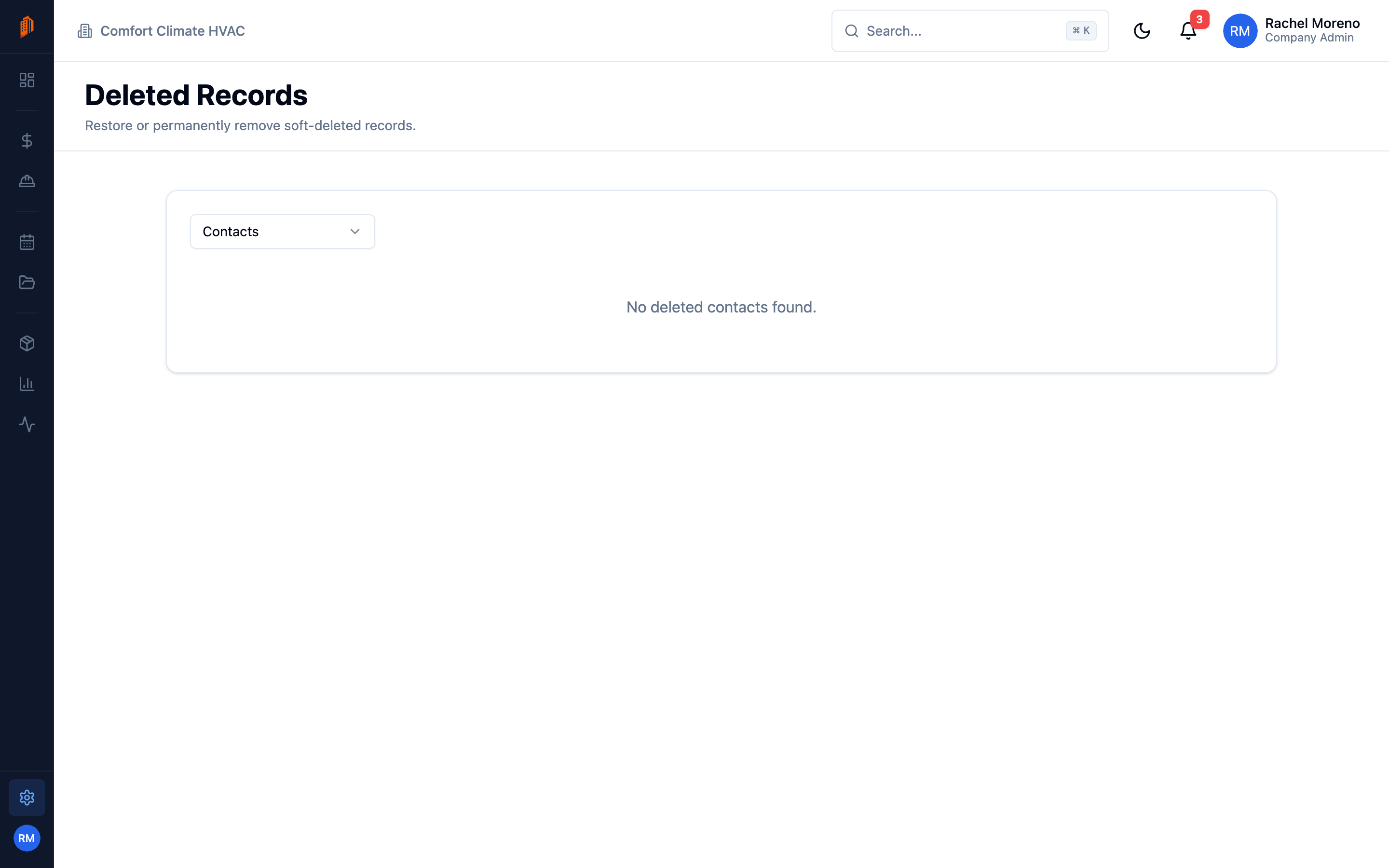
When you delete a contact, lead, bid, project, product, or pay app, BuildWorkPro soft-deletes it – the record is hidden but not destroyed. The Deleted Records tab lets you bring it back.
Restore a record
Section titled “Restore a record”-
Open Deleted Records. Go to Settings -> Deleted Records.
-
Pick a type. Choose the record type from the dropdown – Contacts, Leads, Bids, Projects, Products, or Pay Apps. The list shows what has been deleted.
-
Restore. Click the restore icon on a row, or select several and click Restore Selected to bring them all back at once.
A restored record returns to its module with its data intact.
What’s next
Section titled “What’s next”- Data management – import and export records.
- Team and roles – who can delete and restore.