
Document Library
The Documents module is one place to see every file in your workspace. Each document is attached to a record – a project, bid, contact, lead, pay app, change order, site log, task, or phase – and the library lets you browse and search them all. Open it from Documents in the sidebar.
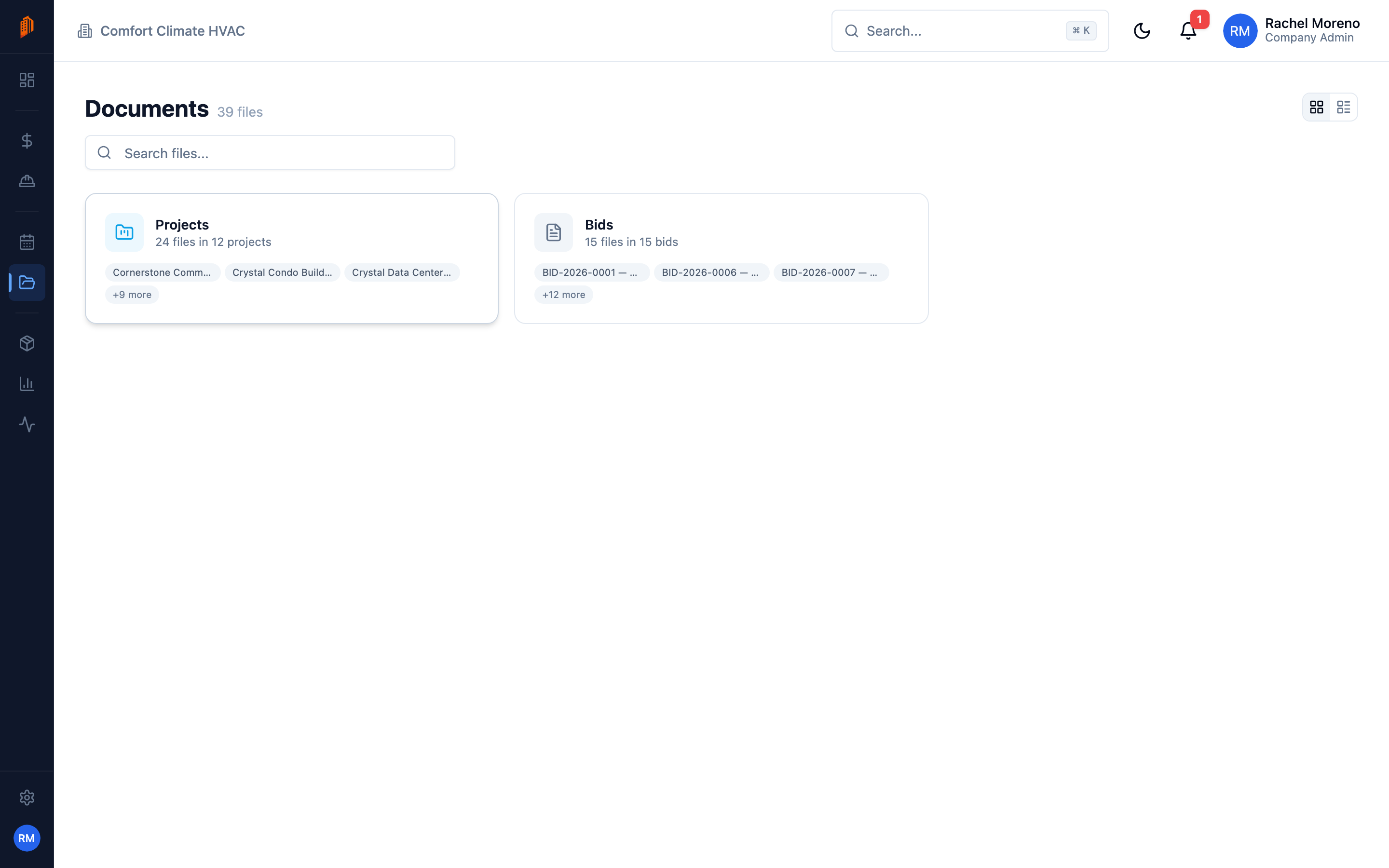
Browse and search
Section titled “Browse and search”The library has two layouts:
- Card view – browse files grouped by the record they belong to.
- List view – a flat table of every file.
The list shows each file’s Name, Module, Linked To, Category, Size, Uploaded By, and Date. Sort by most columns, search by filename, and filter by Module or Category to narrow the list.
Categories
Section titled “Categories”Documents are tagged with a category so you can group them: Contract, Permit, Drawing, Specification, Photo, Invoice, Proposal, Import, or Other. BuildWorkPro guesses a category from the filename when you upload, and you can change it.
Upload files
Section titled “Upload files”You upload files from inside a record – open a project, bid, or contact, go to its Documents tab, and drag files in or click to browse. The upload dialog accepts up to 20 files at a time, up to 500 MB each, and takes images, PDFs, Office documents, and archives.
Open, download, or remove a file
Section titled “Open, download, or remove a file”Each row’s menu lets you preview the file, download it, jump to the record it is linked to, or delete it. Deleting is a soft delete with an undo prompt, so a removed file can be recovered.
What’s next
Section titled “What’s next”- CSV import templates – map a spreadsheet into bid line items.
- Documents, comments, and activity – a project’s own files.