
Organization Settings
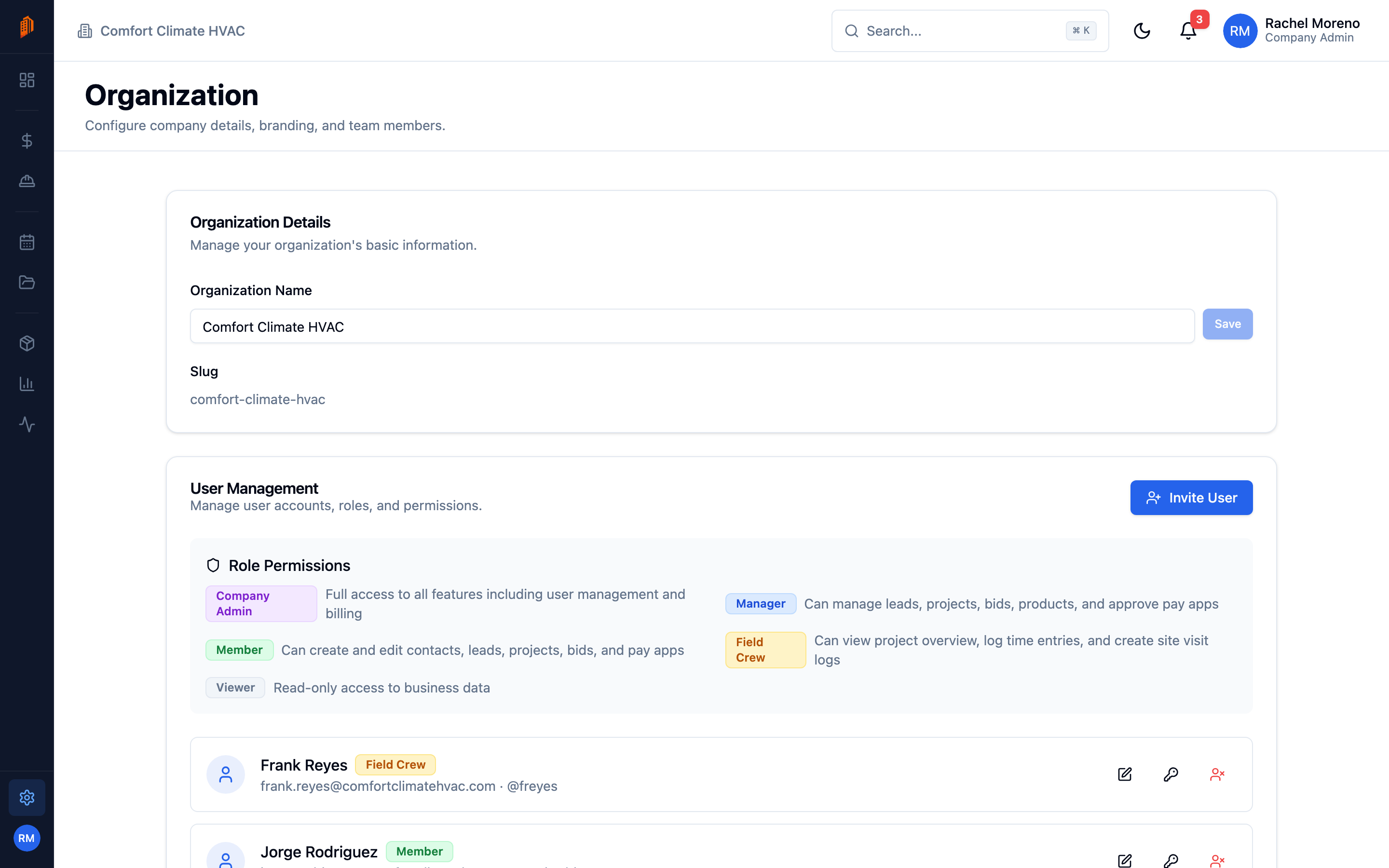
The Organization tab holds your company’s identity and is the entry point to team management. Open it from Settings -> Organization.
Organization details
Section titled “Organization details”The Organization Details card shows:
- Organization Name – your company’s name as it appears in the app. Company Admins can edit it.
- Slug – a read-only short identifier for your workspace.
Team management
Section titled “Team management”The same tab contains the User Management section, where Company Admins invite teammates, edit roles, and deactivate accounts. See team and roles for the full role matrix and the invite flow.
Where branding and defaults live
Section titled “Where branding and defaults live”Your logo, accent color, and document layout are not on this tab – they are on the Workspace tab, along with numbering, tax defaults, and bid rates. See workspace defaults to set them.
What’s next
Section titled “What’s next”- Team and roles – invite users and review permissions.
- Workspace defaults – branding, numbering, and bid defaults.
- Billing and plans – manage your subscription.