
Documents, Comments, and Activity
Every project has three collaboration tabs – Documents, Comments, and Activity – that keep files, discussion, and history together with the work.
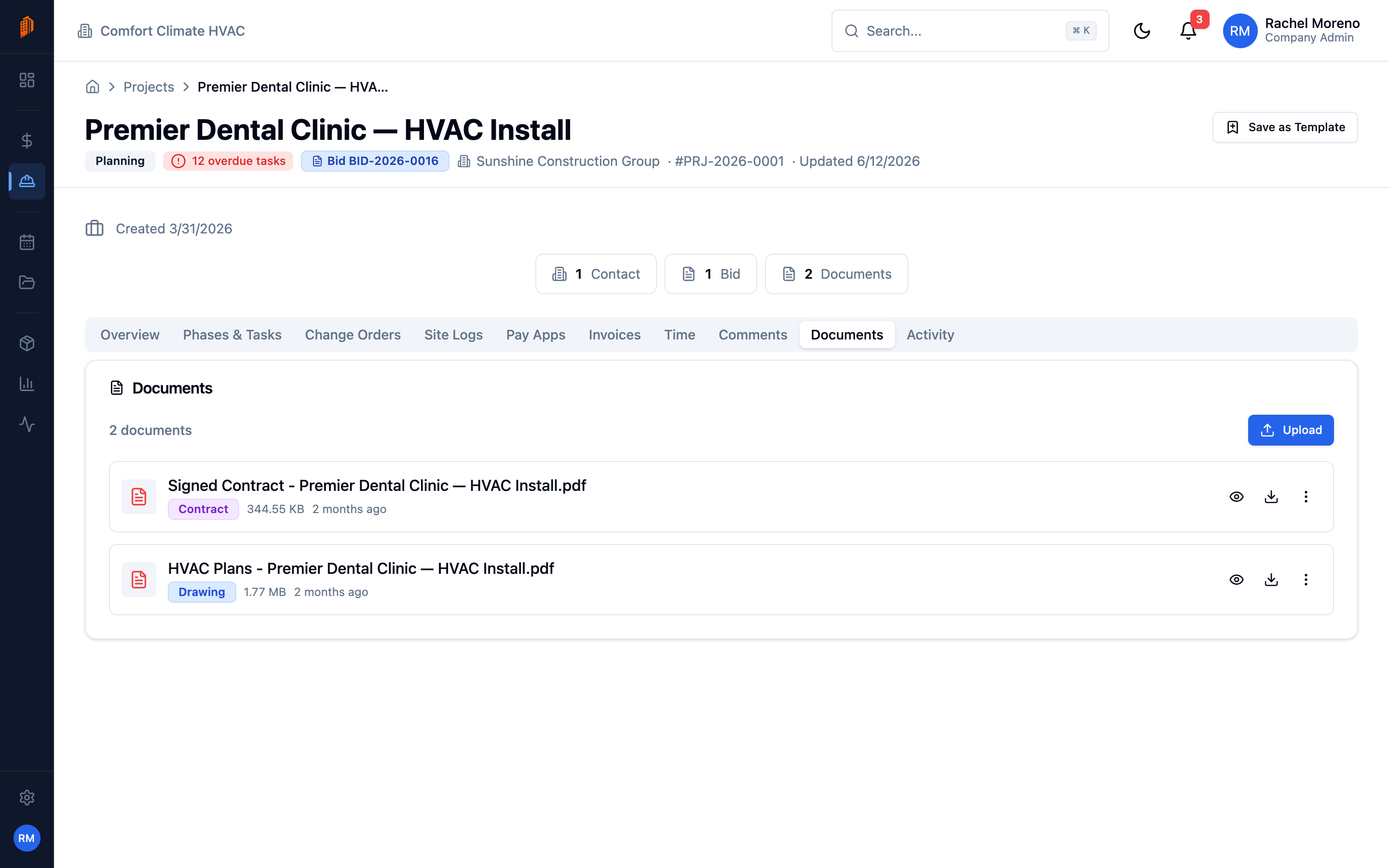
Documents
Section titled “Documents”The Documents tab lists files attached to the project. Upload contracts, drawings, permits, and photos here, and they stay linked to the project. Each file can be previewed, downloaded, or removed.
Files attached here also appear in the app-wide Documents library, where you can browse files across every project, bid, and contact.
Comments
Section titled “Comments”The Comments tab is a threaded discussion for the project. Post an update, reply to a colleague, and mention a teammate to notify them.
Activity
Section titled “Activity”The Activity tab is a read-only history of everything that has happened on the project – status changes, edits, new tasks, uploaded files, and more. Use it to see who did what and when. All roles can view the activity feed.
What’s next
Section titled “What’s next”- Projects overview – the full project tab set.
- Documents library – files across the whole workspace.