
Product Catalog
The Products module is your catalog of reusable materials, labor, and other items. Add a product once and pull it into bids and change orders instead of retyping prices. Open it from Products in the sidebar.
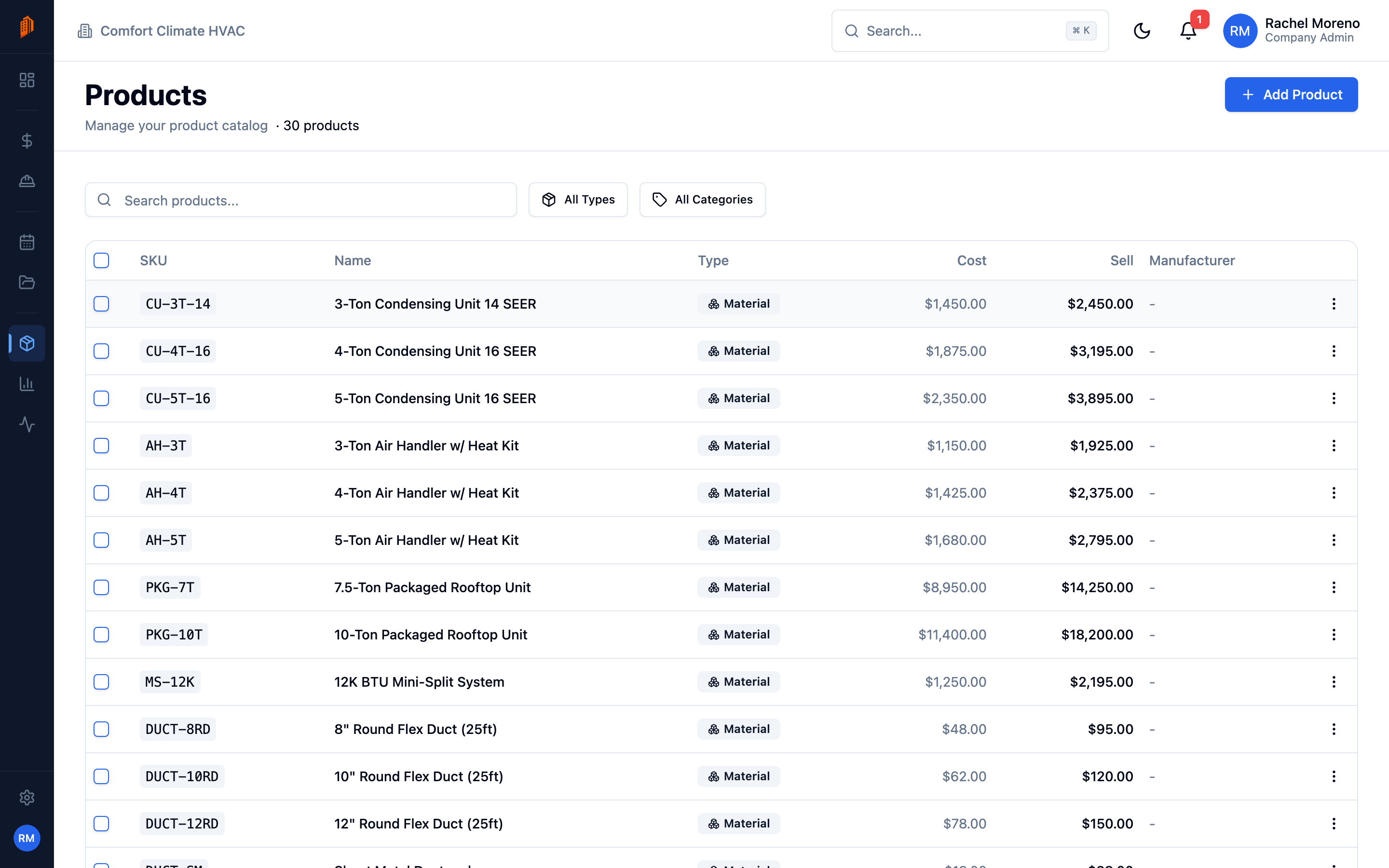
The catalog list
Section titled “The catalog list”The list shows each product’s SKU, Name, Type, Cost, Sell price, and Manufacturer. Search by name, and filter by Type – Material, Labor, Kit, or Other – or by category.
Add a product
Section titled “Add a product”-
Start a new product. Click Add Product.
-
Name and classify it. Enter a Name and choose a Type – Material, Labor, or Other. Leave SKU blank to auto-generate one, or set your own.
-
Set prices. Enter the Cost Price and Sell Price, and the Purchase Tax and Sales Tax percentages (prefilled from your tax defaults).
-
Add details. Set the Unit of Measure, an internal and a sales description, and optionally a Manufacturer and manufacturer code.
-
Save. The product joins your catalog.
Categories
Section titled “Categories”Products are grouped by category for filtering. Categories are managed under Settings -> Workspace -> Categories, where you can create parent and child categories. See workspace defaults.
Delete and restore
Section titled “Delete and restore”Deleting a product is a soft delete with an undo prompt. A Company Admin can restore a deleted product from Settings -> Deleted Records.
What’s next
Section titled “What’s next”- Product kits – bundle components into a single product.
- Line items – add catalog products to a bid.