
Product Kits
A kit is a product made of other products – an assembly you price as a unit, such as a door with its frame, hardware, and labor. A kit is a flavor of product, marked with a checkbox, not a separate module.
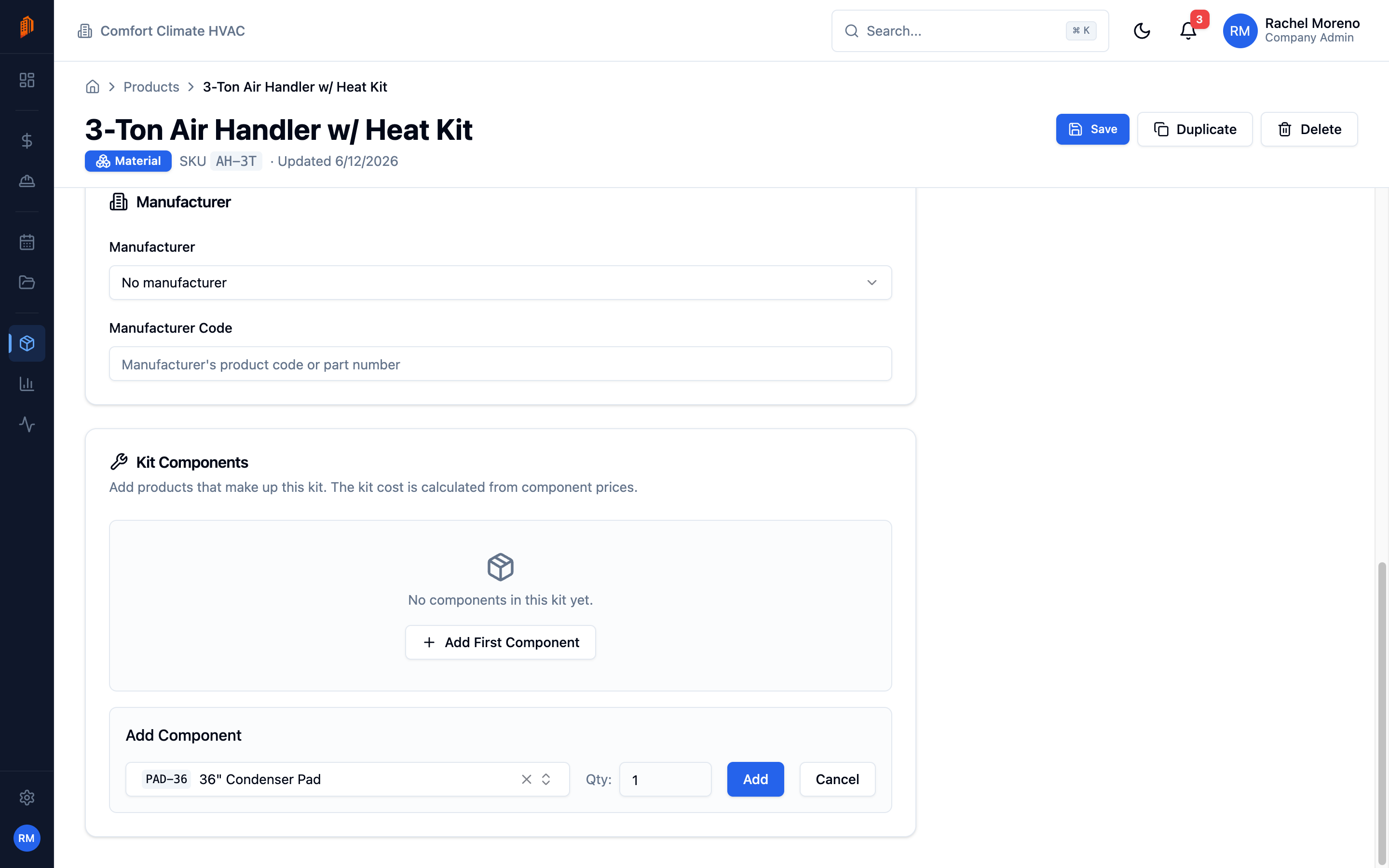
Create a kit
Section titled “Create a kit”-
Add a product. Create a product as usual and check This is a kit product, then save.
-
Add components. On the product’s detail page, use the kit components editor to add each component product and its quantity. The editor totals the kit’s cost and sell price as you go.
In the catalog, a kit shows a Kit badge. Until it has priced components saved, its Cost and Sell columns read “See kit”; once saved, they show the total rolled up from the components.
Use a kit in a bid
Section titled “Use a kit in a bid”Add the kit to a bid line item like any product, then click Import Kit in the cost items panel. BuildWorkPro expands the kit into its component cost items on that line, where you can adjust each one. The kit’s components become editable cost items rather than a fixed bundle.
What’s next
Section titled “What’s next”- Product catalog – manage the products a kit is built from.
- Line items – add a kit to a bid.